Screen and photo
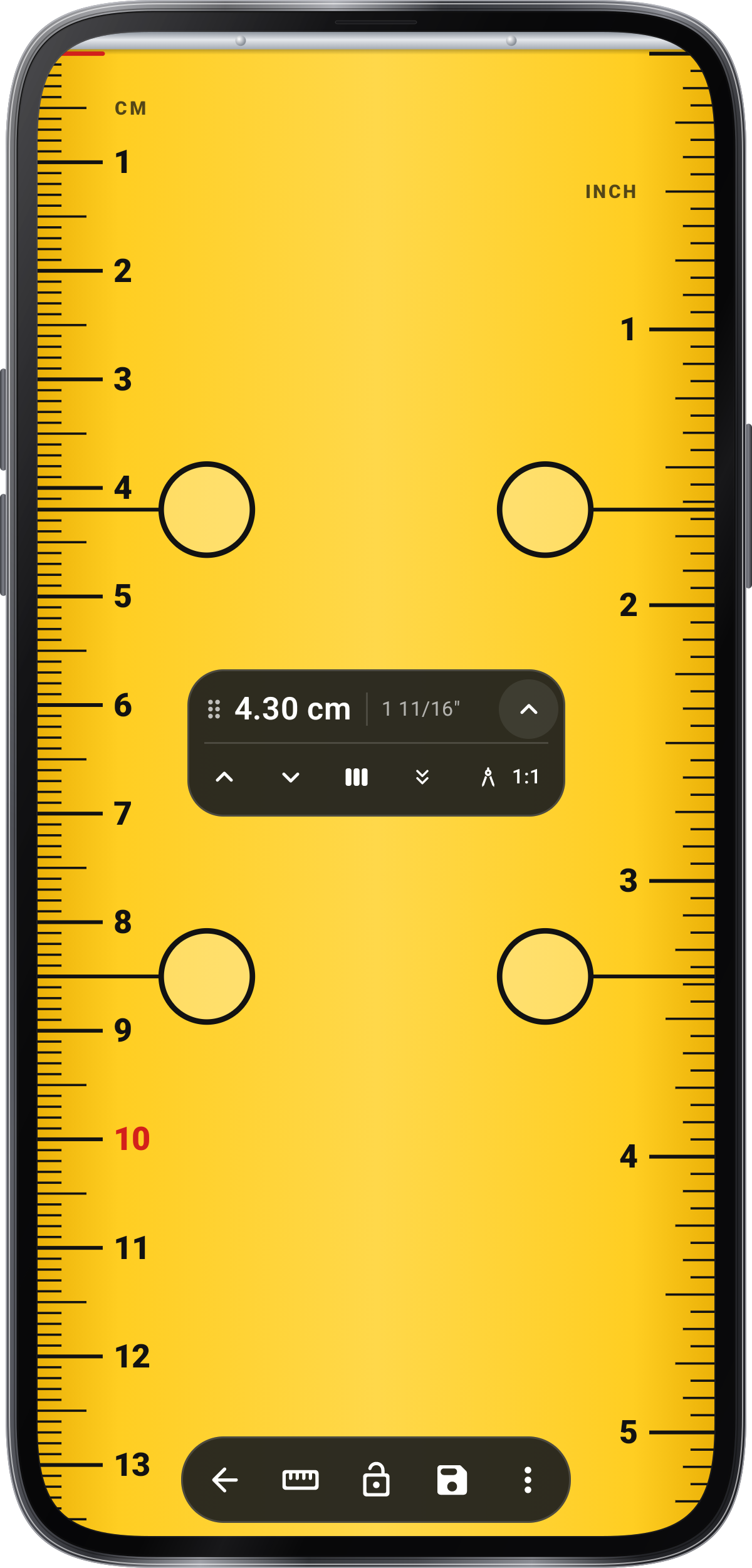
Works in your browser. Nothing is uploaded.Ruler, actual size
Measure small things against your screen in centimetres or inches, after a quick check with a bank card.
True size
Match a bank card
Hold a bank card or an ID card flat against the screen, on the outline. Any card of this size works.
85.60 × 53.98 mm
–
Calibrated with a cardTrue size on this screen
From A to B
–cm
In the other unit
–
Lay the object on the screen without pressing, and drag A and B to its ends. Zooming the page asks you to calibrate again.
How to use it
- Calibrate once
Hold a bank card to the screen and drag until the outline matches it.
- Lay the object on the screen
Line its end up with A, without pressing on the screen.
- Drag B to the other end
Read the length. Arrow keys move a mark half a millimetre.
Tips
- Any ID-size card
Bank cards, most driving licences and ID cards are 85.60 × 53.98 mm.
- Zoom resets it
Zooming the page changes the scale, so the page asks for the card again.
- Check it
Measure the card itself after calibrating: it should read 8.56 cm.
In the app
Ruler in Angle Meter
- Length, area and diameter
- Bolt, ring and thread sizes
- True-size cards, coins and batteries
- Measurements that continue past the screen
Get it onGoogle PlayComing soon to the App Store
Ruler guide ›