Color picker
Choose any color, or pick one from a photo or your camera. Its codes, shades and matching colors show as you pick.
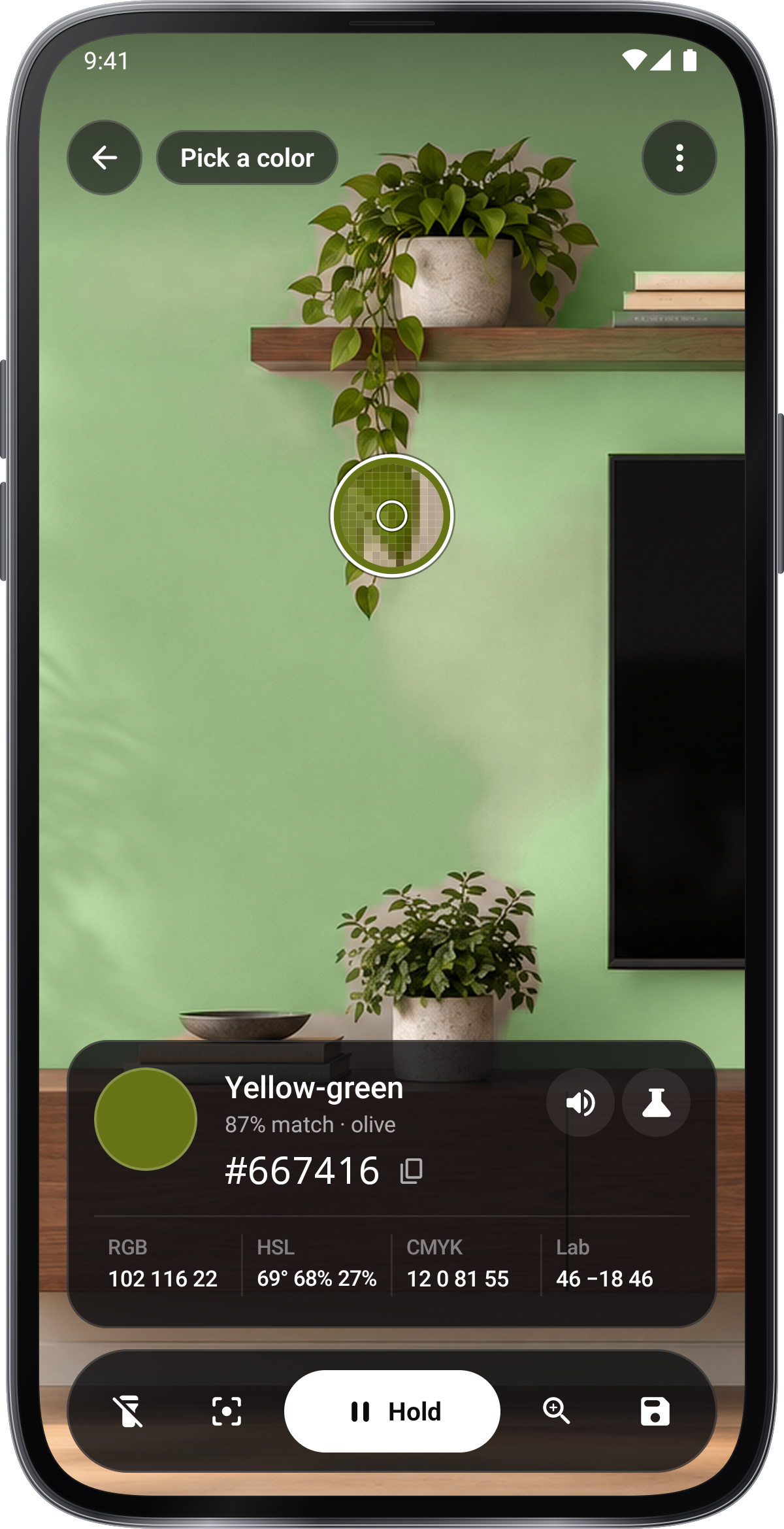
Point the ring at a color. Freeze the picture to tap any spot in it.
–
–
Difference, ΔE 2000
–
Contrast
–: 1
–
- Small text needs 4.5 : 1
- Large text needs 3 : 1
–
The mix
–
–
––
–
Colors you add show here. Tap one to read it again.
Photo tools
Each one opens full screen on this photo.
Its colors
Change the color and these follow. Click any of them to use it.
Lighter and darker
Softer
Text on it
As others see it
How to use it
- Choose or pick a color
Drag in the square and along the rainbow, type a HEX code, or pick a spot on a photo or through the camera.
- Read its colors
Its codes, lighter and darker steps, matching colors, text contrast and color-blind views follow every change.
- Keep and use them
Add colors to the palette and download it, or open a photo tool such as Palette card or Paint by numbers.
Tips
- Even light
Daylight from a window gives truer colors than a lamp.
- Average a patch
Fabric and wood vary: a larger sample spot averages the texture.
- Screens differ
The same color looks different on two screens; compare codes, not looks.
In the app
Color Picker
- Pick colors live through the camera
- Compare shades and build palettes
- Mixes, harmonies, gradients and mesh
- Save palettes and export them