Find the strongest nearby response
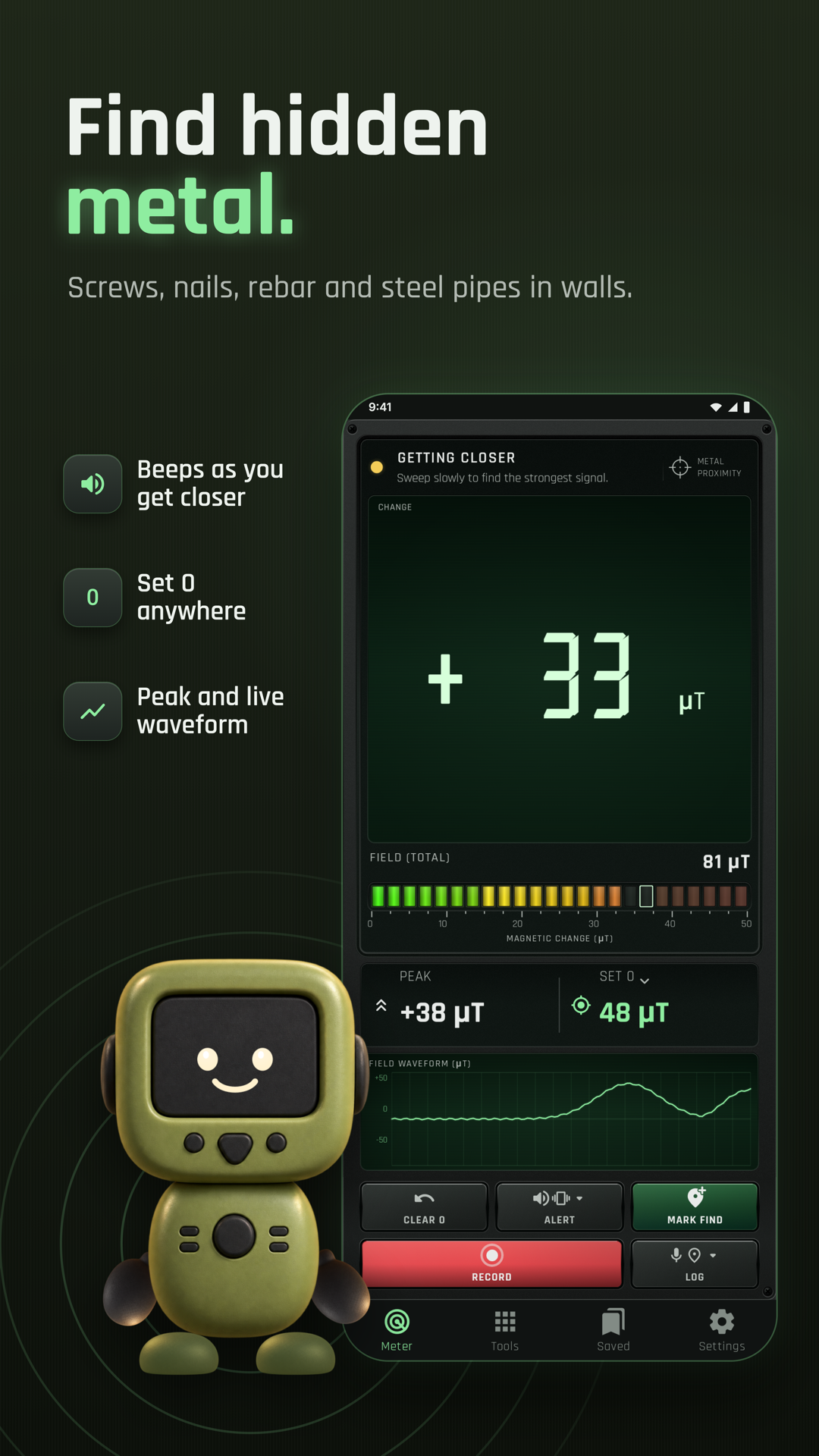
Sweep slowly over a surface to compare magnetic changes from iron, steel or magnets.
Metal Detector
Metal Detector for iPhone
Coming soon to the App Store
Free to download.
Find nearby magnetic changes with your phone’s magnetic sensor. Sweep for iron, steel and magnets, compare an item with the local baseline, and keep finds with notes, photos and locations. Use Meter for the live field reading, Tools for extra checks, Saved for finds and Settings for preferences. Use the website walkthrough below to plan a first measurement, then practise with the app’s own controls. Available on Google Play for Android. Hardware, permissions and the feature labels in the installed app determine which functions you can use.
Explore the screens, then follow the guide to try them yourself.

Practical ways to use Metal Detector.
Sweep slowly over a surface to compare magnetic changes from iron, steel or magnets.
Use the item checks to investigate magnetic response and magnet polarity at the phone’s sensor.
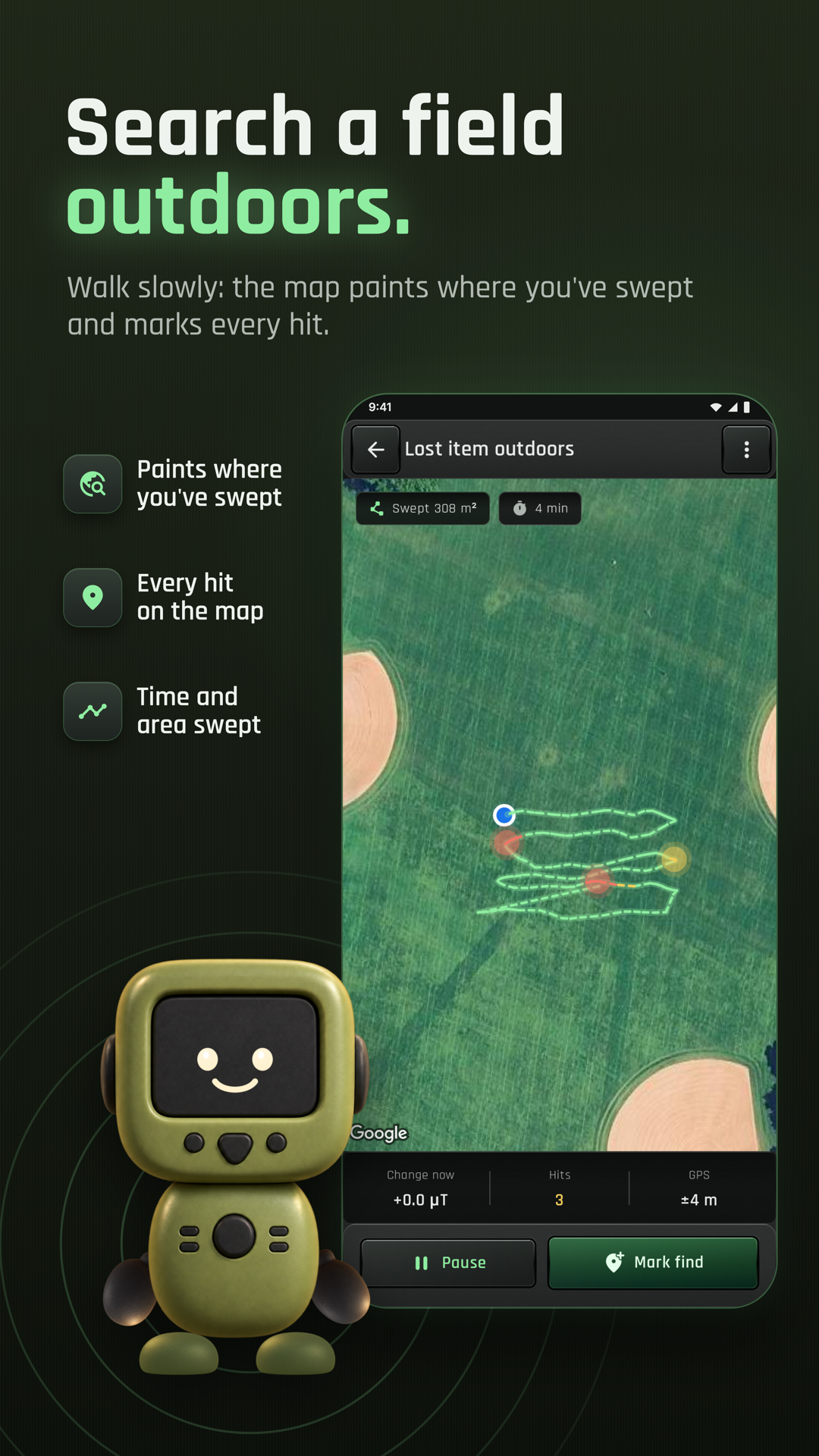
Save a find with a note, photo and map location, or start a scan log for a planned sweep.
Start with a useful task, then keep the result.
Use Find my sensor so you know which part of the phone to bring closest to the object.
Establish the local baseline, then sweep at a steady distance and return to the peak.
Add a note or photo and review the result in Saved or on the finds map.
The app’s Help and Quick guide explain the detector and its limits. This website walkthrough introduces sensor placement, zeroing and keeping a find; it does not represent an in-app animated tour.
Practice 1
Open Tools › Find my sensor, lay the phone flat and slide a small screw held above a fingertip across the screen. The + marks where the response peaks.
Practice 2
Keep the phone away from the object and choose Set 0. Bring the sensor toward the item slowly and watch the change; Clear 0 restores the selected baseline.
Practice 3
Move at a steady distance and orientation. If the reading falls after a peak, go back a little and compare again before marking the spot.
Useful habits for your next task.
Run Find my sensor first so the + marks the part of the phone that should pass closest to the object.
Set the baseline away from the object, then sweep slowly and return to the strongest reading.
Keep the phone at a similar angle and distance for a useful comparison.
Remove a magnetic phone case and move away from other magnets or large steel objects before establishing the baseline.
Add a photo and note when marking a find so you can identify the spot later.
Use it for magnetic materials such as iron and steel; gold, silver, copper, aluminium and brass generally will not register as a metal find.
Metal Detector. Explore magnetic-field changes near screws, nails and steel.
Explore the tool ›Meter and waveform. Metal Detector with magnetic change, peak value and field waveform
Read the guide ›Finder. Metal Detector Finder used for a guided magnetic sweep
Read the guide ›Saved finds. Metal Detector saved finds and their map locations
Read the guide ›Step-by-step instructions for the app and its tools.
Video coming soonBasics · Written steps
Read the steps : Choose a pageVideo coming soonBasics · Written steps
Read the steps : Choose where the field counts fromVideo coming soonBasics · Written steps
Read the steps : Read the whole magnetic fieldGet the app
Free to download. Coming soon to iPhone.