Check a panel or roof slope
Lay the phone on its back and read the grade, ratio or pitch in the unit you need.
Clinometer
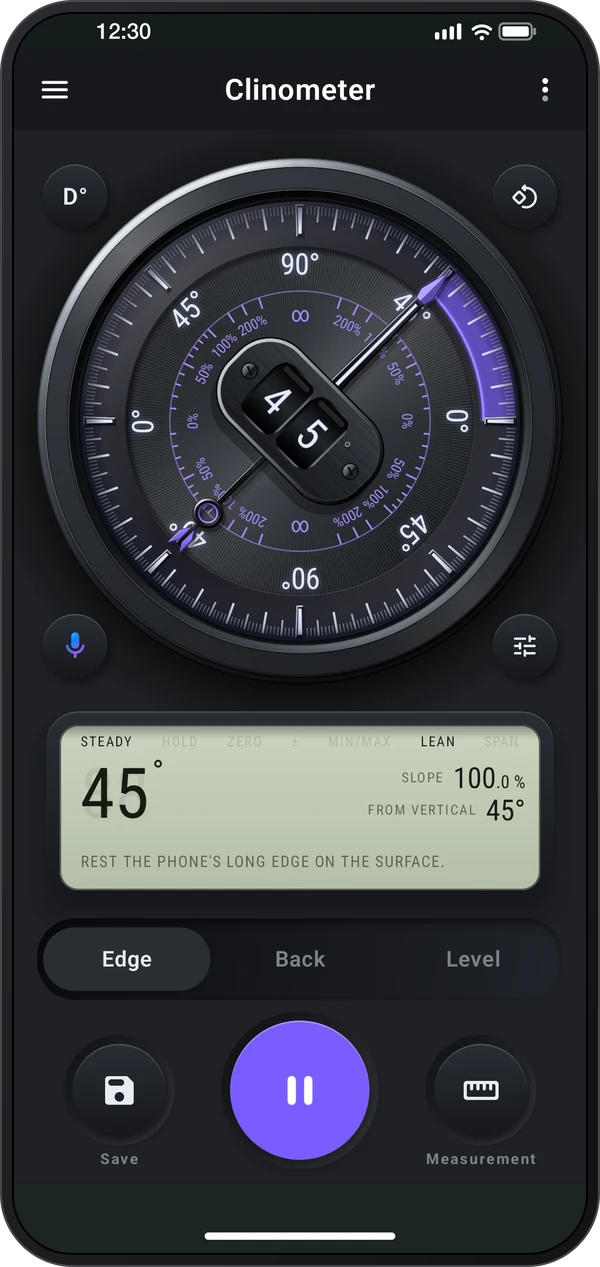
Clinometer for iPhone
Coming soon to the App Store
Free to download.
Check the inclination of panels, roofs, ramps and other surfaces with Edge, Back and Level views. Read slope in the unit you work with, set a relative reference, hold a result and keep notes in Records. The app also brings together field and construction tools, with clear tier labels on optional extras. The free app and paid Clinometer Pro share the field-tool family. Pro provides permanent Pro access and no ads; optional extras in the free app keep their tier labels.
Explore the screens, then follow the guide to try them yourself.
Practical ways to use Clinometer.
Lay the phone on its back and read the grade, ratio or pitch in the unit you need.
Use Level to see front-to-back and side-to-side tilt together, then Hold before lifting the phone.
Keep named readings and notes; optional zones, references and Pro interval logs help compare or track a setup.
Start with a useful task, then keep the result.
Stand the phone on its edge, lay it on its back, or choose Level for two-direction tilt.
Check a known reference, calibrate the side you use and wait for the reading to settle.
Hold, save with a title and note, then reopen the result in Records.
Open ⋮ › Tour & lessons in the meter for Tour, Showroom, Lessons and Tips. The calibration story is a scripted preview; it changes no saved calibration. Free and Pro use this same learning workflow.
Practice 1
Use a known level surface to set the reference for the phone’s sensors. Place the phone on a known level surface, keep it still, then open Calibrate and tap Calibrate to set it to 0°. Each zero mark on Edge keeps its own calibration.
Practice 2
Rest the phone’s long side on the edge. Zones color the dial for the job: with Stairs & ladders, green is a standard stair.
Practice 3
Lay the phone on its back, top edge uphill. The display gives the grade, the ratio and the pitch together; the unit button picks the big number.
Useful habits for your next task.
Point the top edge uphill: When using Back on a slope, lay the phone on its back with its top edge uphill. The side view helps show how it is sitting.
Use percent for a grade: Change the unit to percent, ratio or pitch when that matches your plan. This avoids treating a degree reading as a percentage.
Calibrate from a known reference: Keep the phone still on a known level surface. On Edge, choose the zero mark for the side you are using first; each side stores its own reference.
Check both directions: Use Level for shelves, tables and similar surfaces. The bubble moves toward the high side; hold the reading before lifting the phone.
Measure from an existing part: Choose Relative angle and Set reference on the first surface. Other surfaces then read from that reference, so parallel parts read zero.
Keep the reading with a note: Use Save with details to name the site or part. The saved message opens the record so you can check it immediately.
Clinometer. Inclinometer, slope meter and spirit level, with zones and a data logger.
Explore the tool ›Roof pitch & slope. Checks for roofs, ramps, stairs, ladders, drains and shower floors.
Explore the tool ›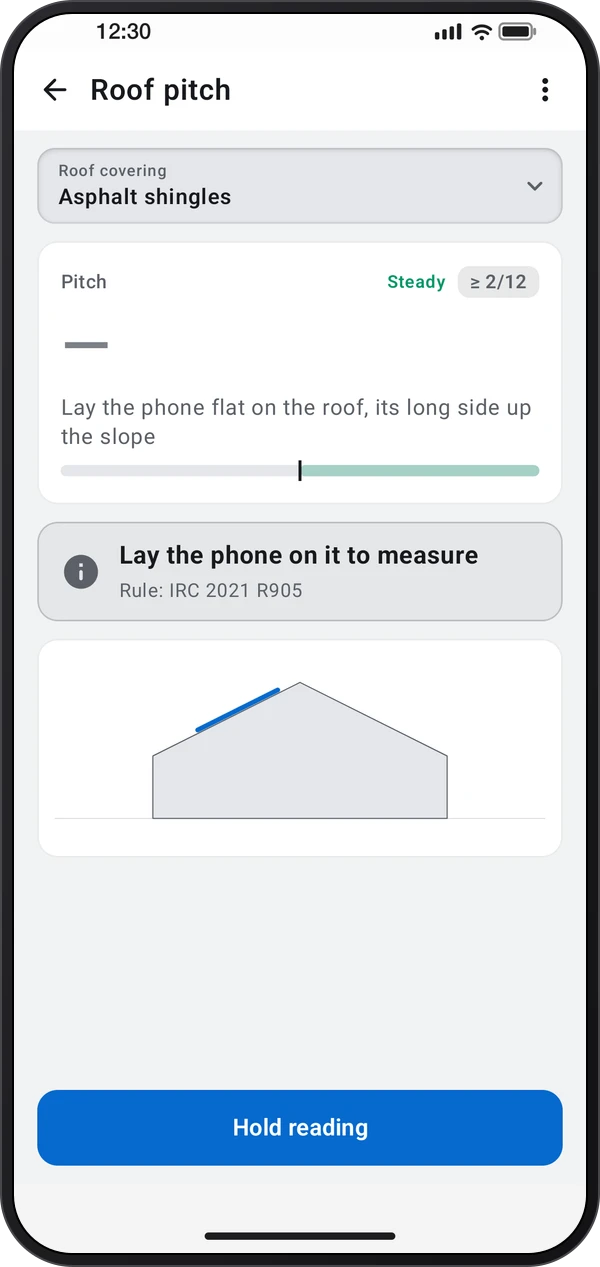
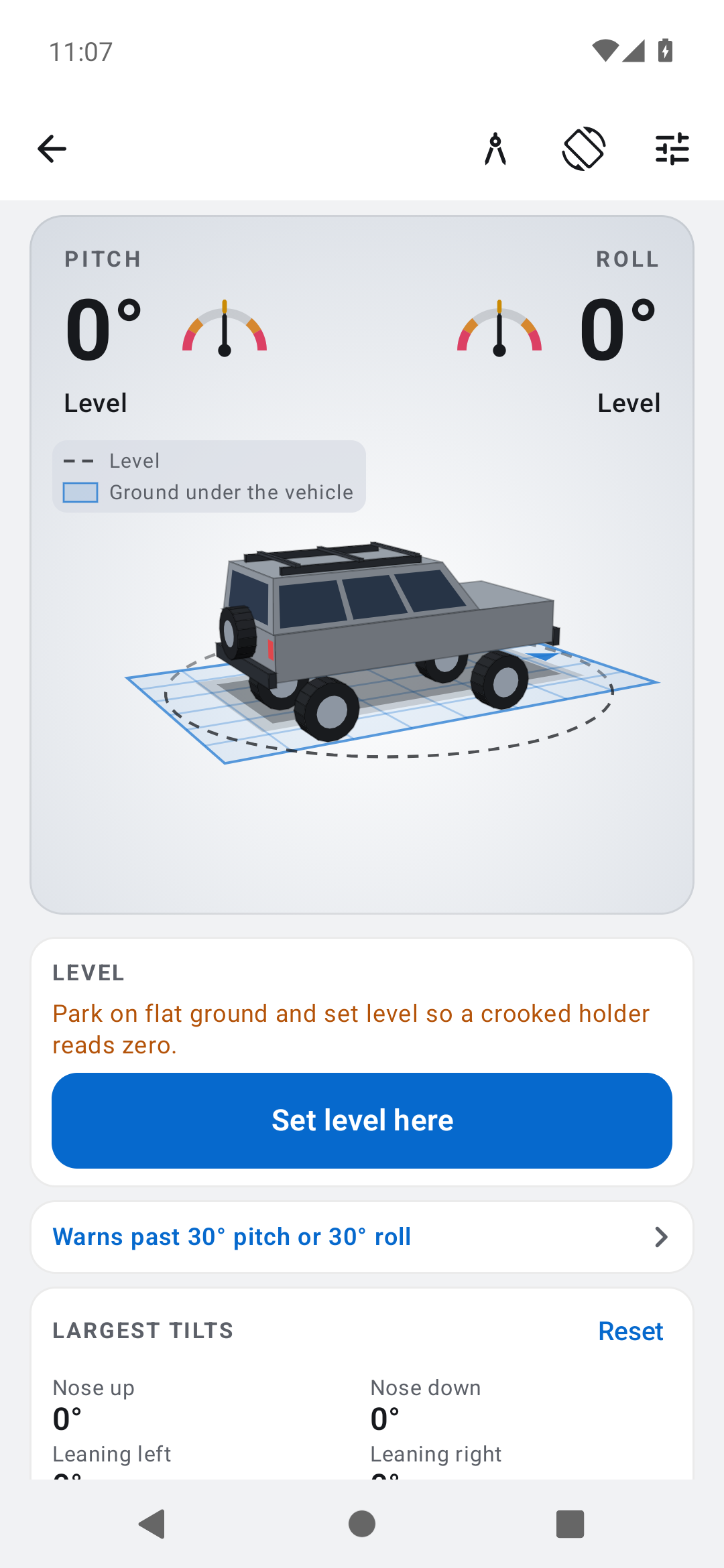
Off-road inclinometer. Pitch and roll from a phone mounted in your vehicle.
Explore the tool ›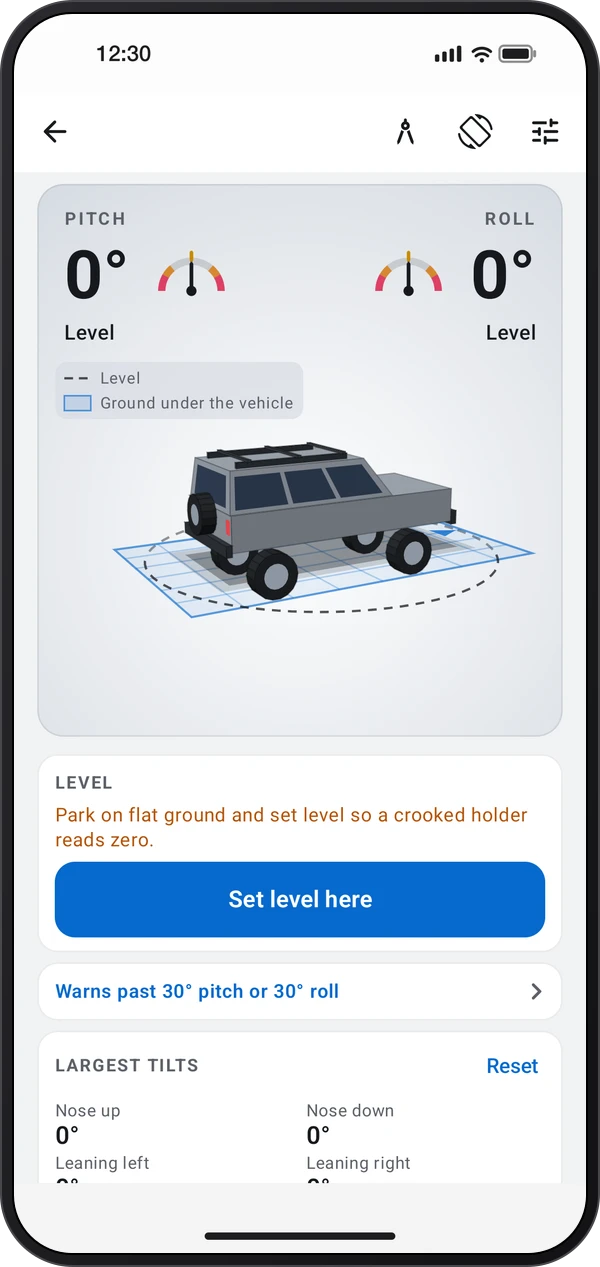
Snow slope meter. Slope angle, aspect and elevation for ski tourers.
Explore the tool ›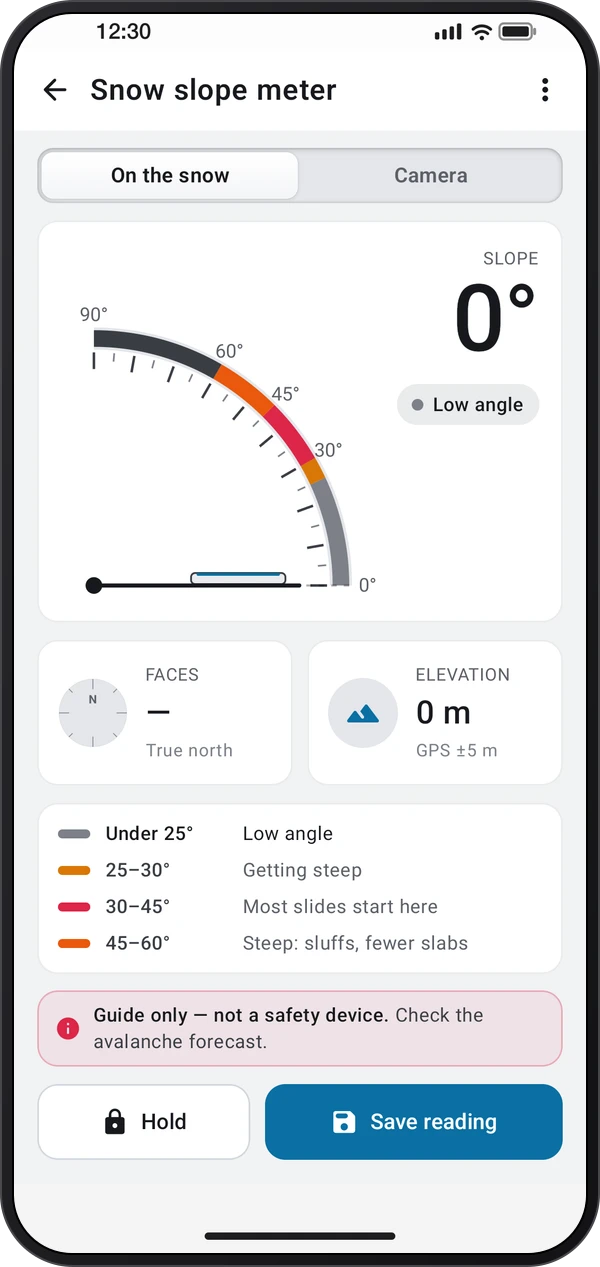
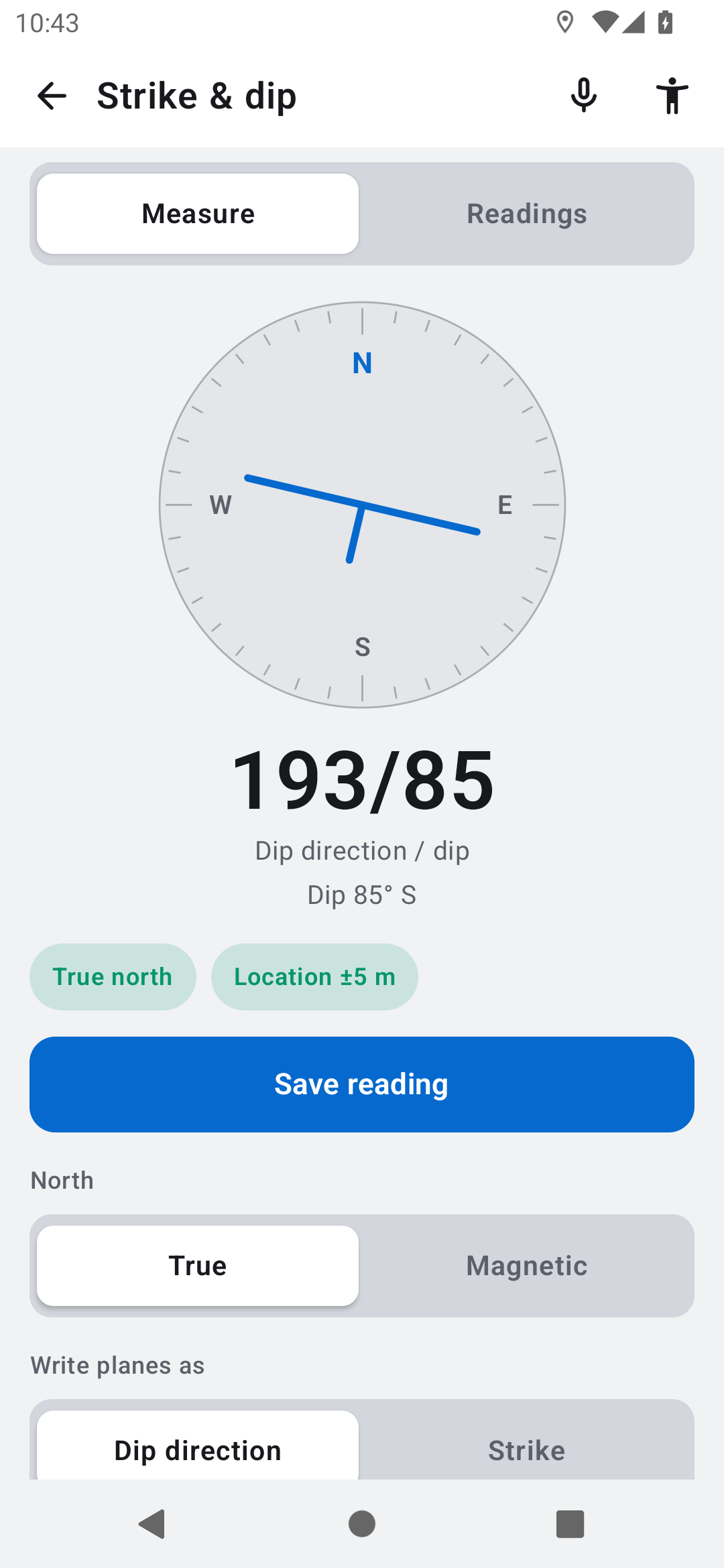
Strike & dip. Strike and dip of rock surfaces for geology.
Explore the tool ›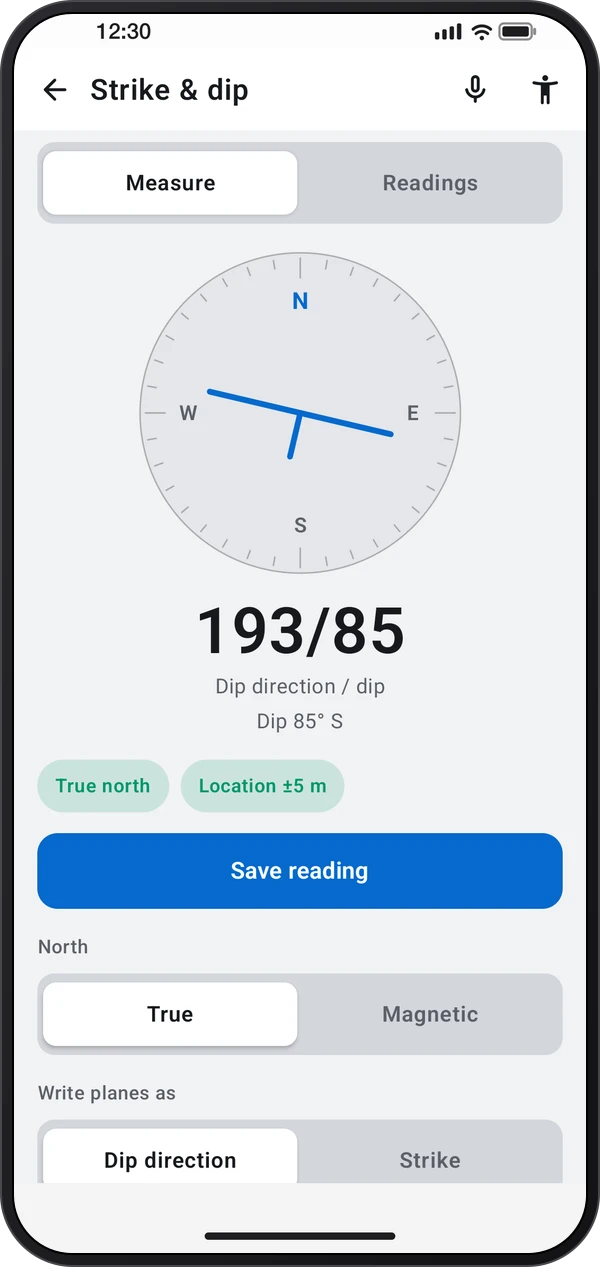
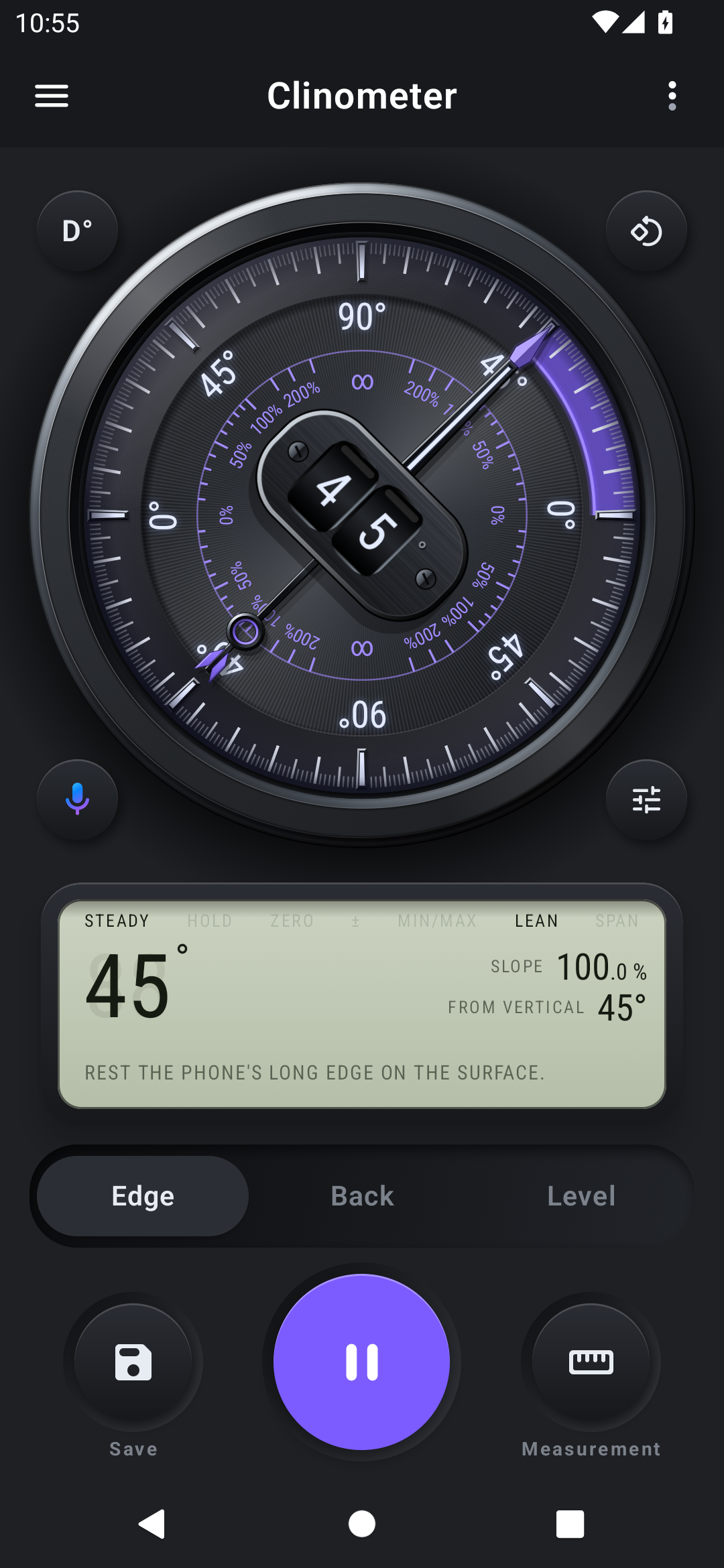
Clinometer. Clinometer edge dial with an inclination reading
Read the guide ›Off-road inclinometer. The shared off-road inclinometer with roll and pitch gauges
Read the guide ›Strike and dip. The shared Strike and dip tool with geological orientation readings
Read the guide ›Stand the phone on its long side. Read the angle of the edge it rests on.
Lay it on its back, top edge uphill. Read the slope of the surface under the phone.
Set it flat. Level shows both directions at once; the bubble centers when the surface is level.
Step-by-step instructions for the app and its tools.
Video coming soonBasics · Written steps
Read the steps : Choose a toolVideo coming soonBasics · Written steps
Read the steps : Choose Edge, Back or LevelVideo coming soonTools · Written steps
Read the steps : Roof pitch & slopeGet the app
Free to download. Coming soon to iPhone.