Phone sensors
Works in your browser. Nothing is uploaded.Bubble level & angle finder
Lay your phone on a shelf to level it, or hold it on its edge to read an angle.
The level reads your phone’s tilt
- Open the site settings from the address bar.
- Allow motion and orientation.
- Come back and tap Start again.
Tilt
–
Front to back
–
Side to side
–
Open it on your phone
A computer has no tilt sensor. Scan the code with your phone’s camera to open this page there.
How to use it
- Tap Start
On an iPhone, allow motion when the browser asks.
- Lay it flat or hold it on its edge
Flat reads both directions. Edge reads the angle along the phone’s long side.
- Zero on a surface you trust
Then read the shelf, frame or table. Hold keeps the reading while you look.
Tips
- Take the case off
A bumpy case tips the phone. Lay it on its bare back or edge.
- Turn it end for end
Read, turn the phone around, read again. Half the difference is the phone’s error.
- Long surfaces
Lay a straight board across and the phone on the board to even out bumps.
In the app
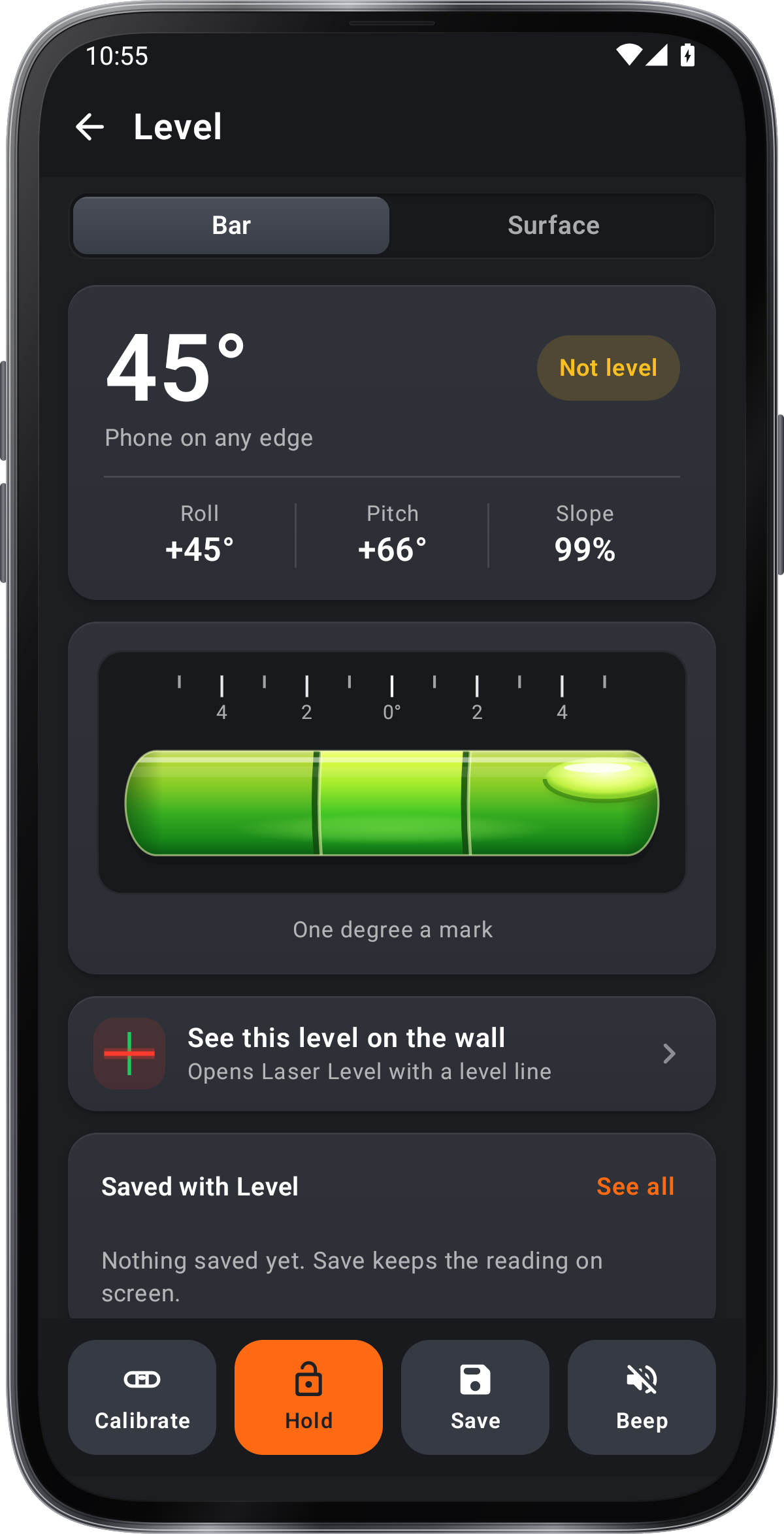
Easy Laser Bubble Level
- Bar and Surface levels with a printed degree scale
- Camera laser lines on any wall
- Protractor, ruler and Image Meter in the same app
- Save readings to Records
Get it onGoogle PlayComing soon to the App Store
Level guide ›