Keep common tools close
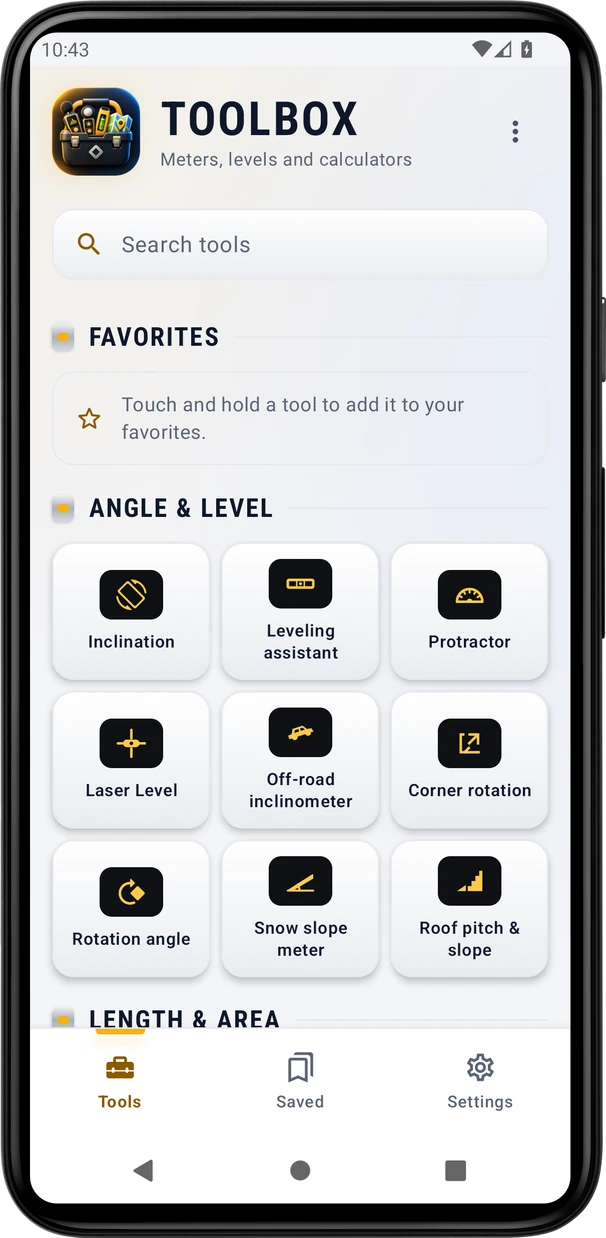
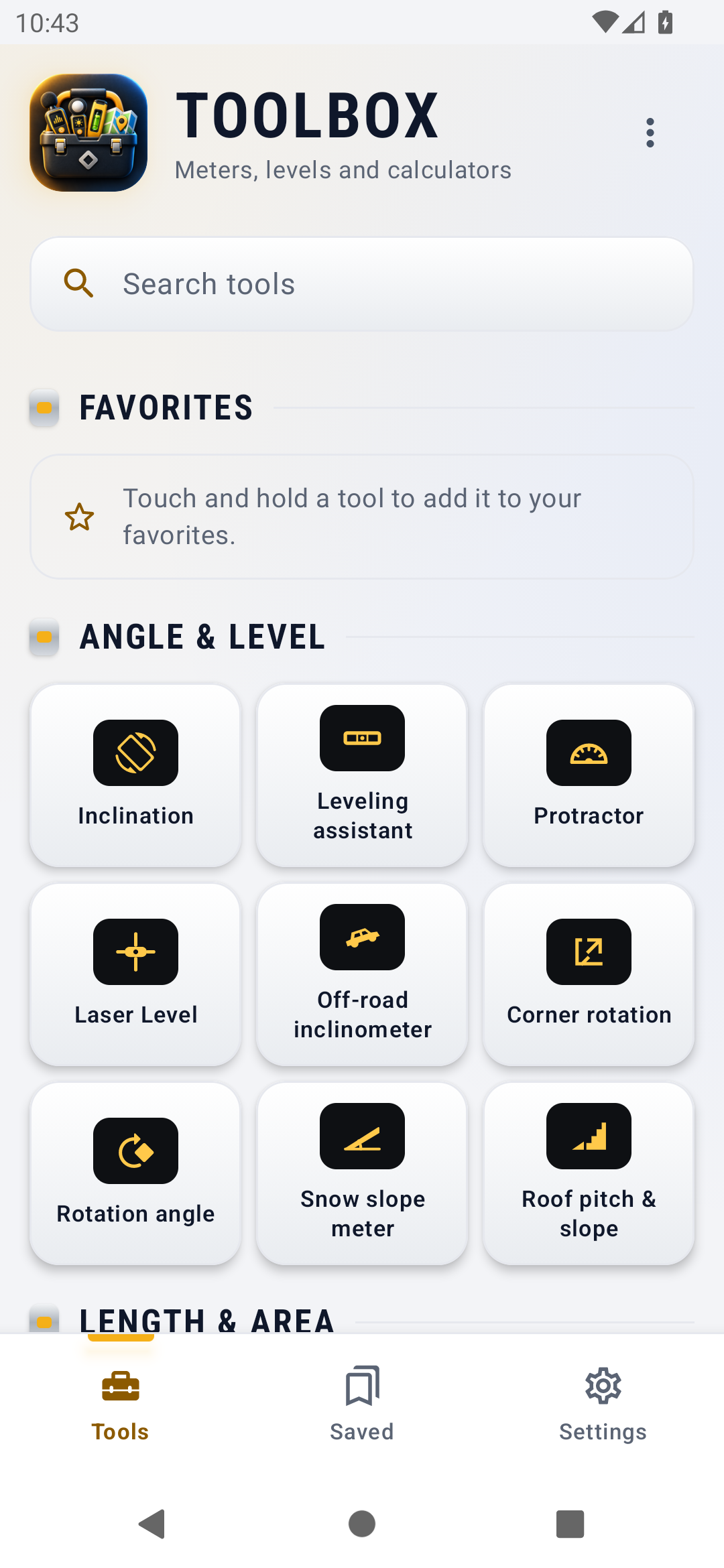
Search the catalog and favorite tools you use repeatedly.
Toolbox
Toolbox for iPhone
Coming soon to the App Store
Android app coming soon.
Browse a searchable catalog of measurement tools, keep favorites and return through recents. Tools opens the catalog; Saved connects shared Records, Gallery and Charts; Settings holds app-wide choices. New installations start in List view, with Grid available. Included tools retain their own measurement controls, settings, logs and photo libraries. Toolbox is in development.
Explore the screens, then follow the guide to try them yourself.
Practical ways to use Toolbox.
Search the catalog and favorite tools you use repeatedly.
Use Saved for shared records, media and charts, then return to a tool from recents.
Open a tool or a specific mode while keeping its established controls and own saved-work destination.
Start with a useful task, then keep the result.
Use the Tools list, search or favorites. Grid remains available in the view menu.
Choose the measurement and unit, then use its own Hold, Save or explicit recording controls.
Open Saved for shared work or the tool’s own library for its logs and photos.
This website provides the catalog walkthrough. In Toolbox, Help covers the supported tools, while individual tools retain any existing Tour or Showroom. The reusable Inclination tool currently has no dedicated tutorial or Help topic.
Practice 1
Browse, search, favorite and reopen tools from the catalog.
Practice 2
Open shared records, media and charts from Saved.
Practice 3
Choose the app’s appearance and open Help.
Useful habits for your next task.
Pin regularly used tools as favorites and use recents to return after opening another task.
Use List for a compact catalog or switch to Grid in the view menu. The app remembers your chosen view.
Choose a specific mode from the catalog when that is the task you need; a tool opens with its own controls and saved preferences.
Opening a tool shows the live reading without recording. Use its explicit Start or Record action when you want a session.
Look in Saved for shared Records, Gallery and Charts; a tool with its own library or log keeps that history inside the tool.
The catalog disables tools whose required sensor is missing. Check the tool’s own guidance before expecting the same hardware features on another phone.
In Inclination, choose the placement and zero mark before calibrating, then Lock before lifting the phone away to read it.
Protractor. Measure an angle on the screen or over the camera.
Explore the tool ›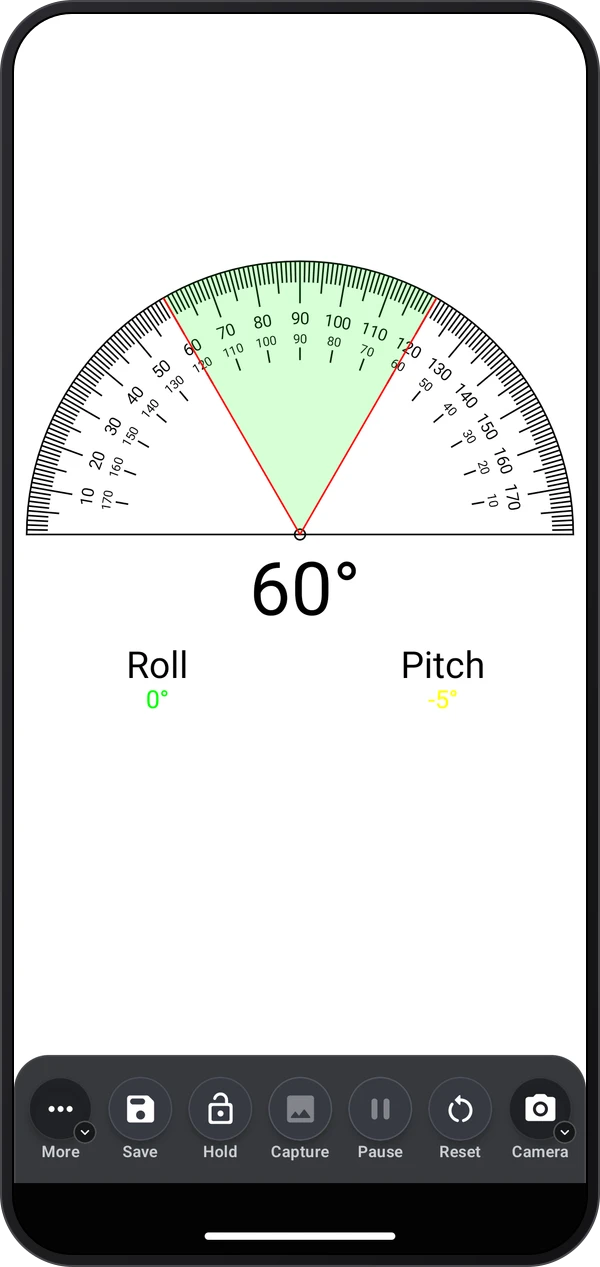
Corner rotation. Press the phone to each wall of a corner to read the angle between them.
Explore the tool ›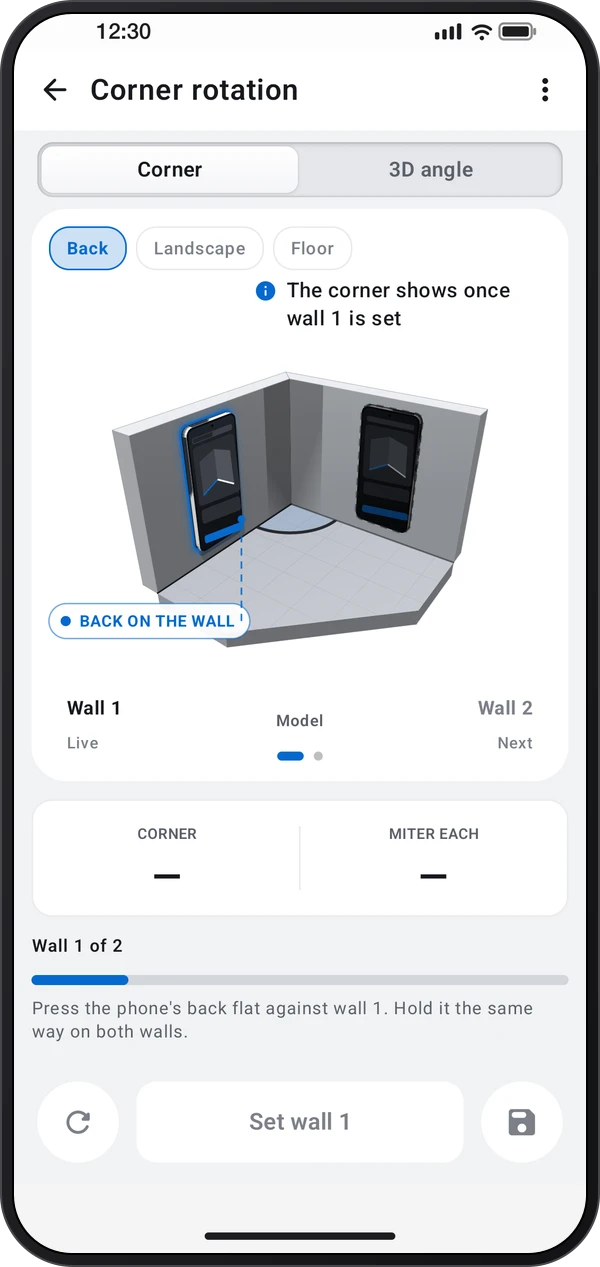
Rotation angle. Counts how far a part turns: a handwheel, a steering wheel or a wrench.
Explore the tool ›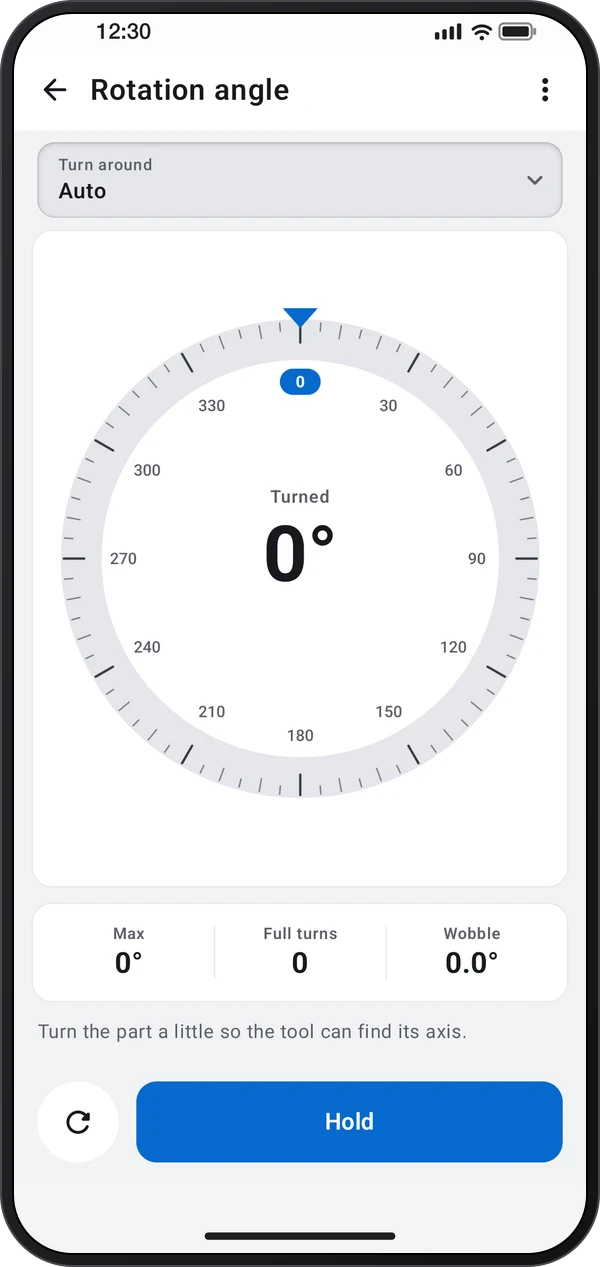
Roof pitch & slope. Checks for roofs, ramps, stairs, ladders, drains and shower floors.
Explore the tool ›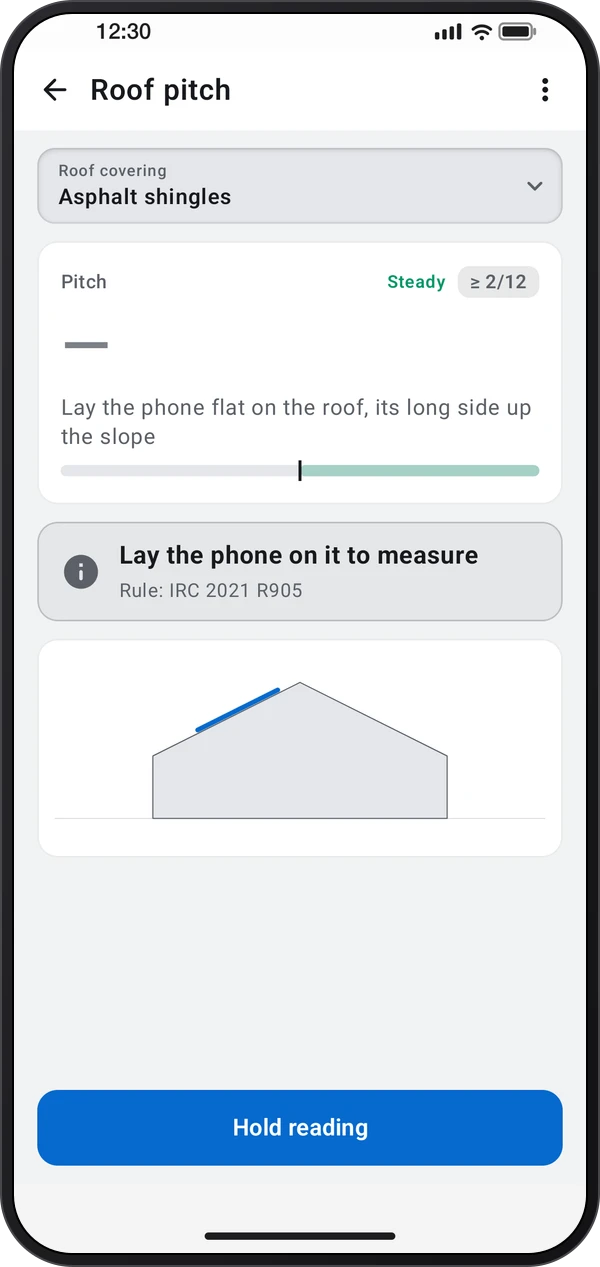
Leveling assistant. Level a caravan, trailer, table or fridge with step-by-step help.
Explore the tool ›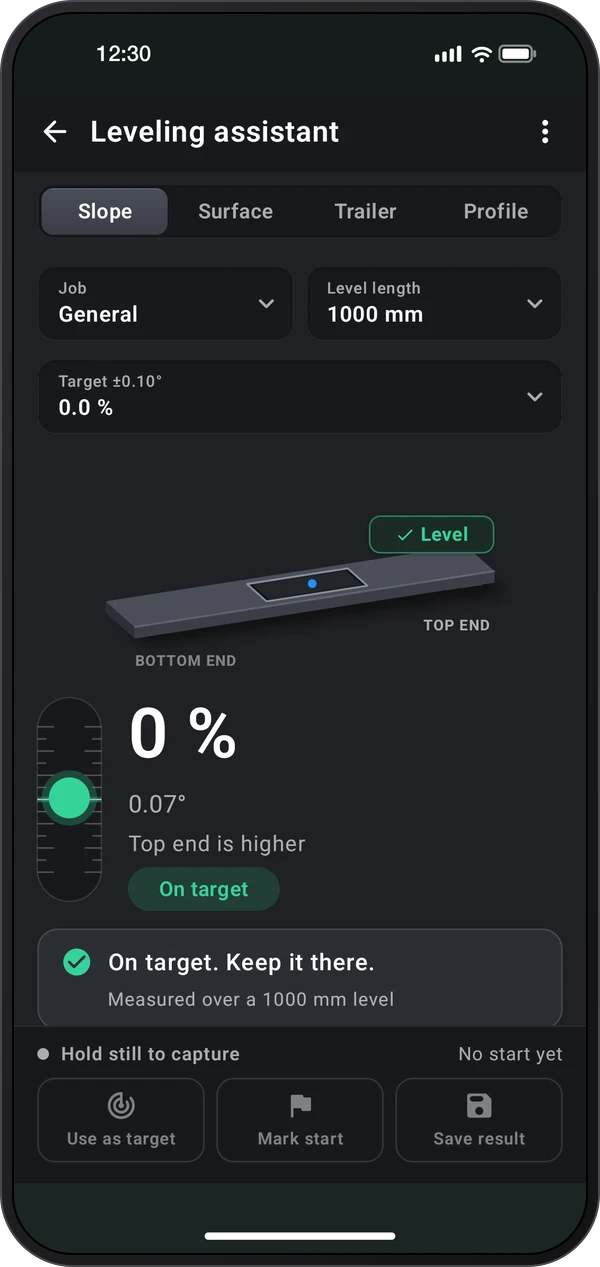
Toolbox. Toolbox tool catalog with measurement tools
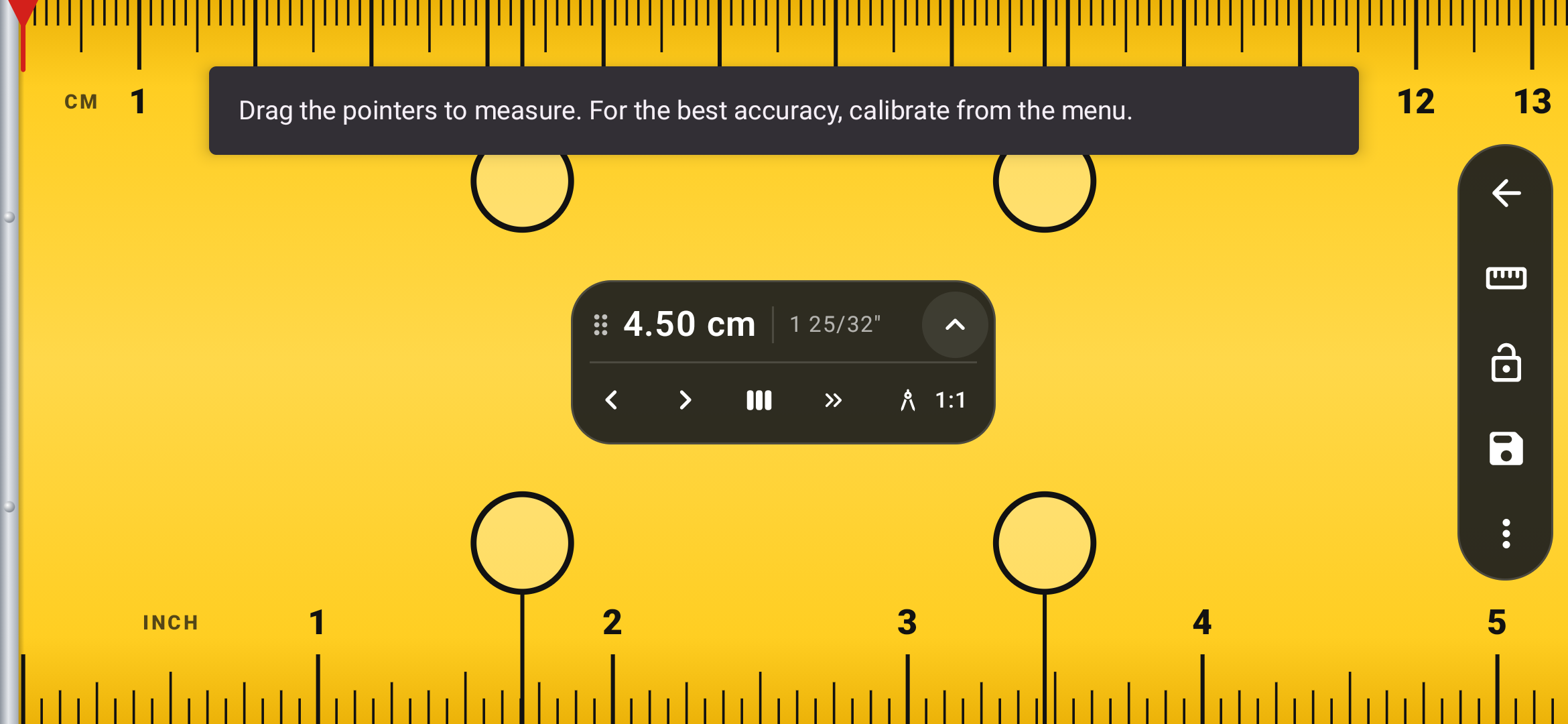
Read the guide ›Ruler. The shared Ruler tool with adjustable measurement handles
Read the guide ›Step-by-step instructions for the app and its tools.
Video coming soonBasics · Written steps
Read the steps : Find a toolVideo coming soonBasics · Written steps
Read the steps : Use the tool’s guideVideo coming soonTools · Written steps
Read the steps : ProtractorGet the app
Coming soon. Explore the guide while we prepare the app.