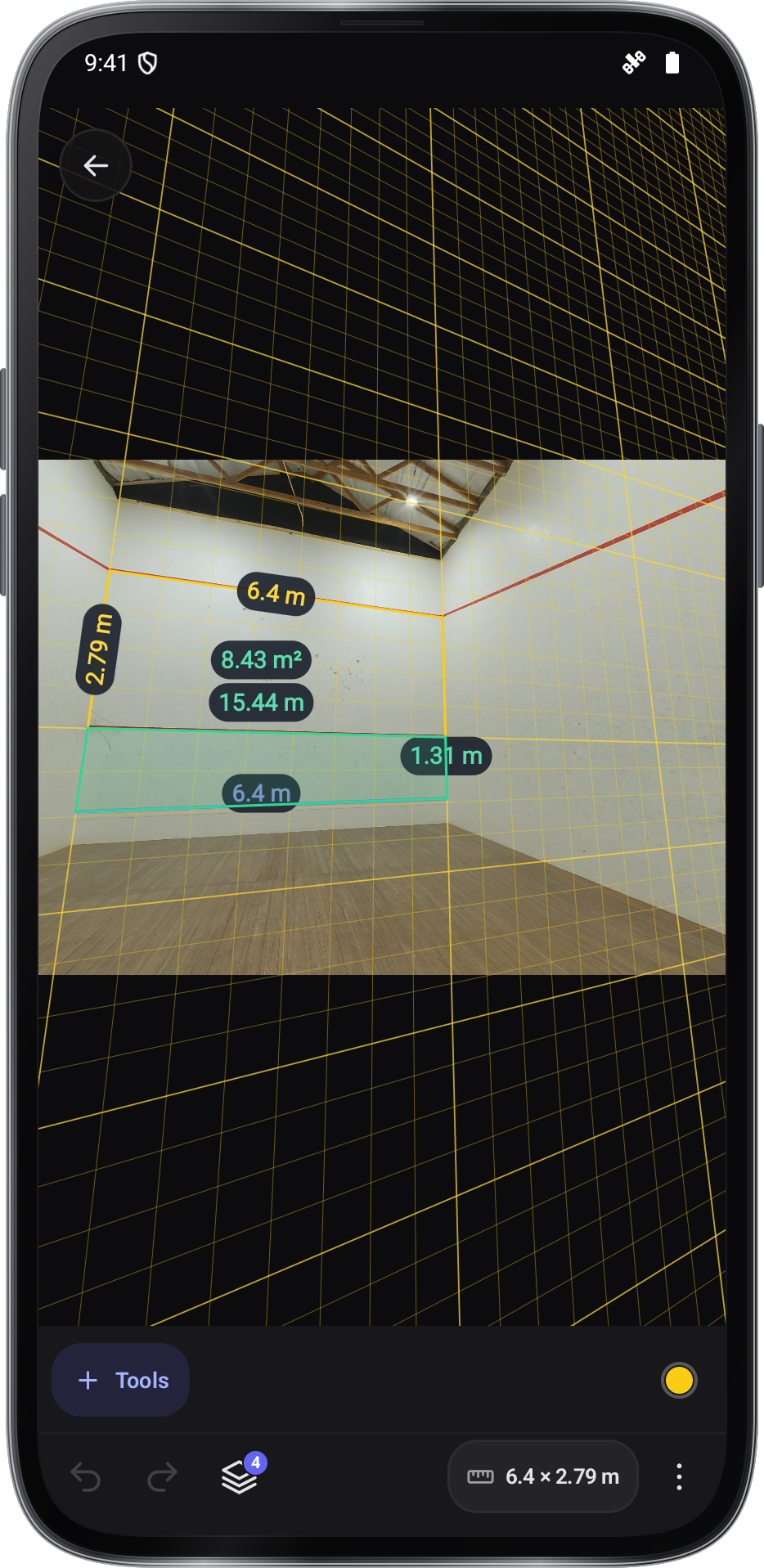
Screen and photo
Works in your browser. Nothing is uploaded.Photo measure
Mark something in a photo you know the size of, then measure lengths and areas beside it.
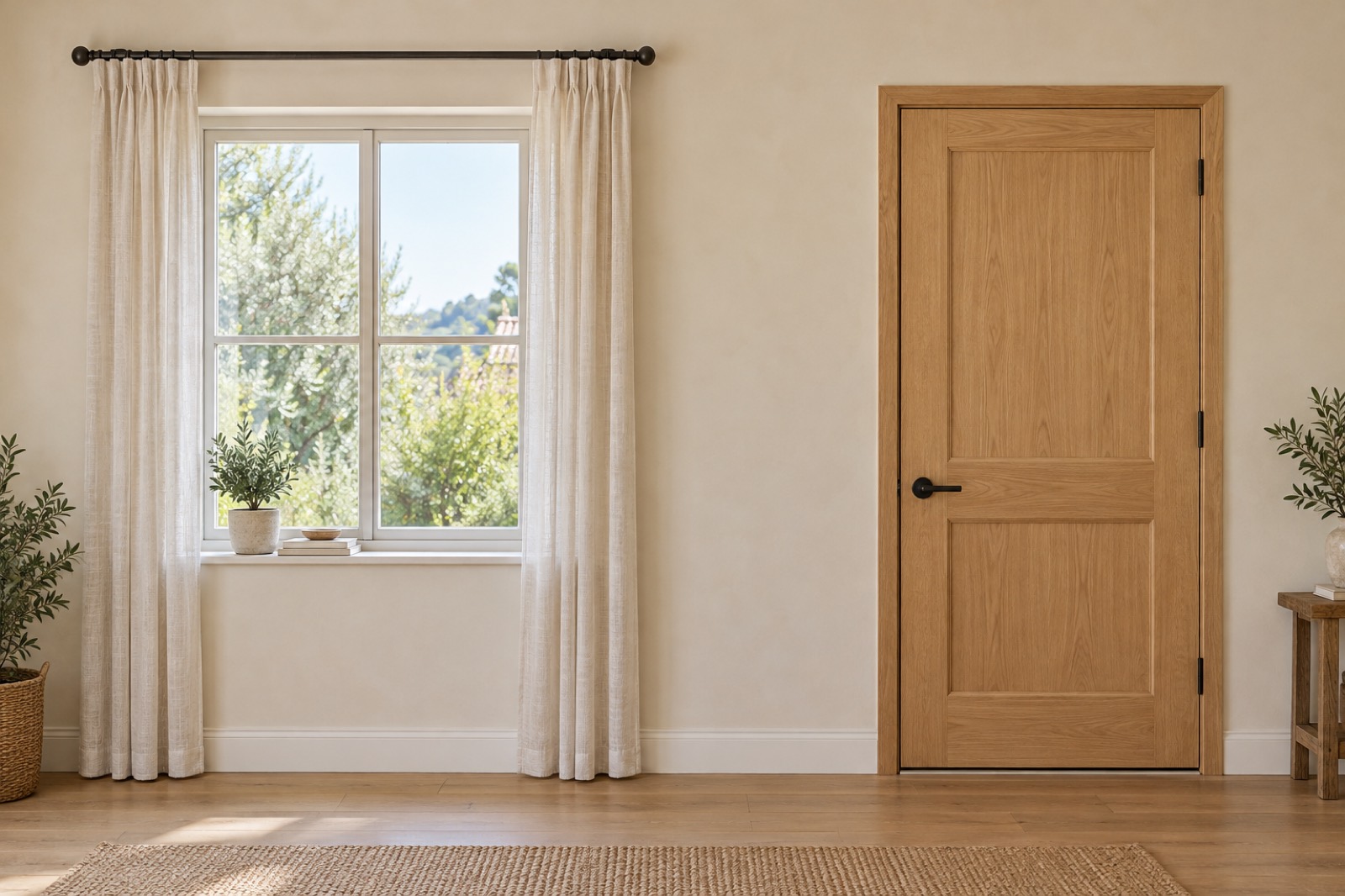
Something in the photo you know the size of
cm
cm
cm
Measure only what lies flat in the same plane as the known size, facing the camera. The floor and the rug here are not on the wall.
How to use it
- Open a photo, or use the sample
Your photo stays in this browser.
- Mark the known size
Drag the dashed line onto a door, a card or a sheet of paper and type its length.
- Add lengths and areas
Drag their points into place. Save the marked photo when you’re done.
Tips
- Same plane only
The known size and what you measure must lie on the same flat surface.
- Shoot square-on
Stand straight in front of the wall. A slanted photo shrinks the far side.
- A long reference
A door or a full sheet of paper is more accurate than a small card far away.
In the app
Image Meter in Angle Meter
- Editable lengths, angles and areas
- Notes and dimensions on photos
- A library of measured photos
- Also in Clinometer and Easy Laser Bubble Level
Get it onGoogle PlayComing soon to the App Store
Image Meter guide ›