Screen and photo
Works in your browser. Nothing is uploaded.Protractor
Measure angles on a photo of a roof, a frame or a joint, or lay a part on your screen and read its angle.
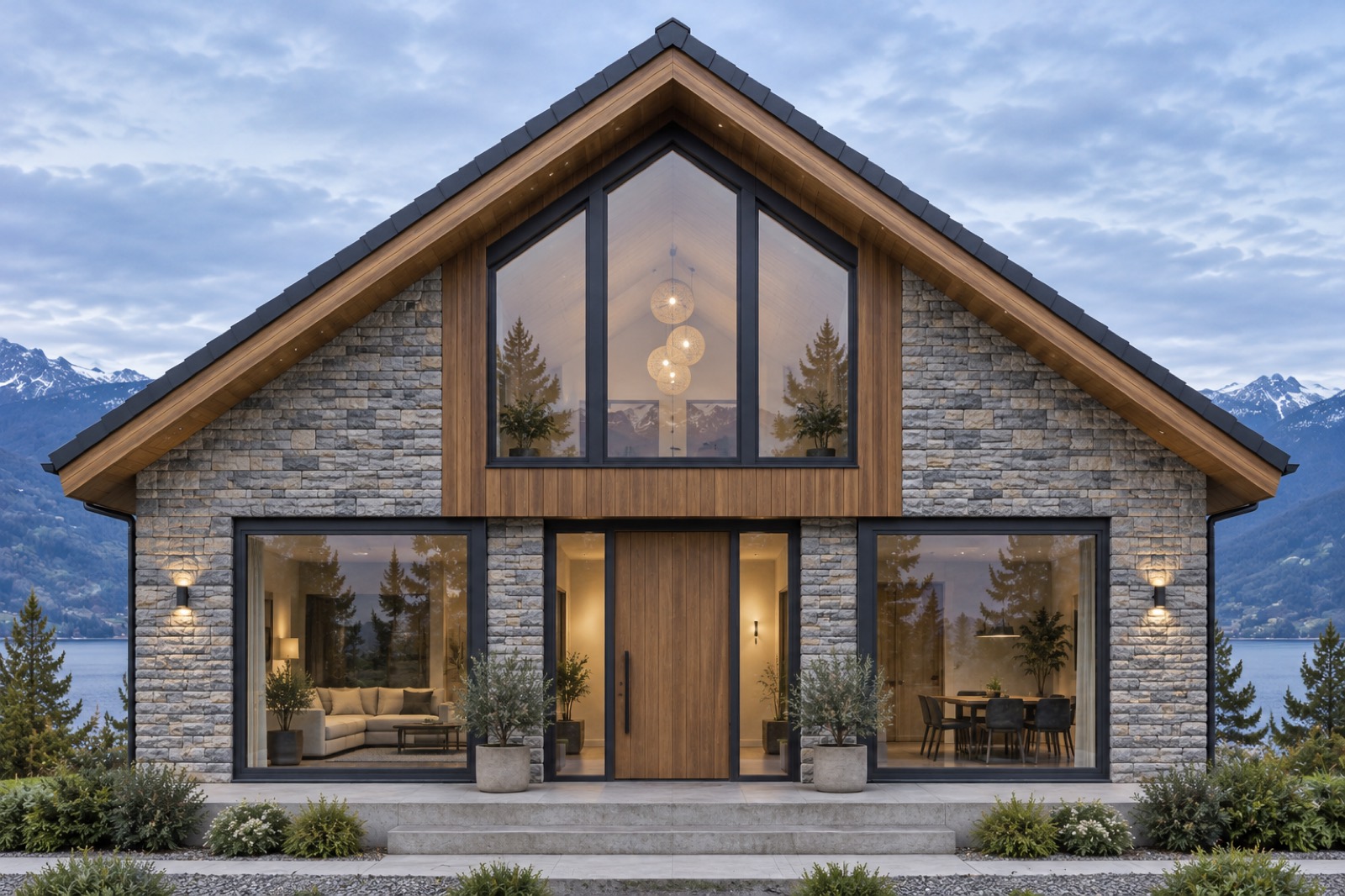
Angle in the photo
–°
This is the angle in the photo. Take it square-on: a photo taken at a slant changes the angles.
Angle
–°
Other side
–°
Slope
–
Lay the part on the screen with its corner on the centre dot and one edge on the base line, then drag the arm along the other edge.
How to use it
- Open a photo, or use the sample
Your photo stays in this browser.
- Place the corner and the two arms
Drag the yellow corner to where the lines meet, then each arm along a line.
- Add more and save
Add an angle for each corner you need, delete the ones you don’t, and save the marked photo.
Tips
- Shoot square-on
Stand straight in front of what you measure. A slanted photo squeezes angles.
- Long arms
Drag the arms far along the lines. Longer arms give a steadier reading.
- Roof pitch
Put one arm along the roof edge and the other level along the eaves.
In the app
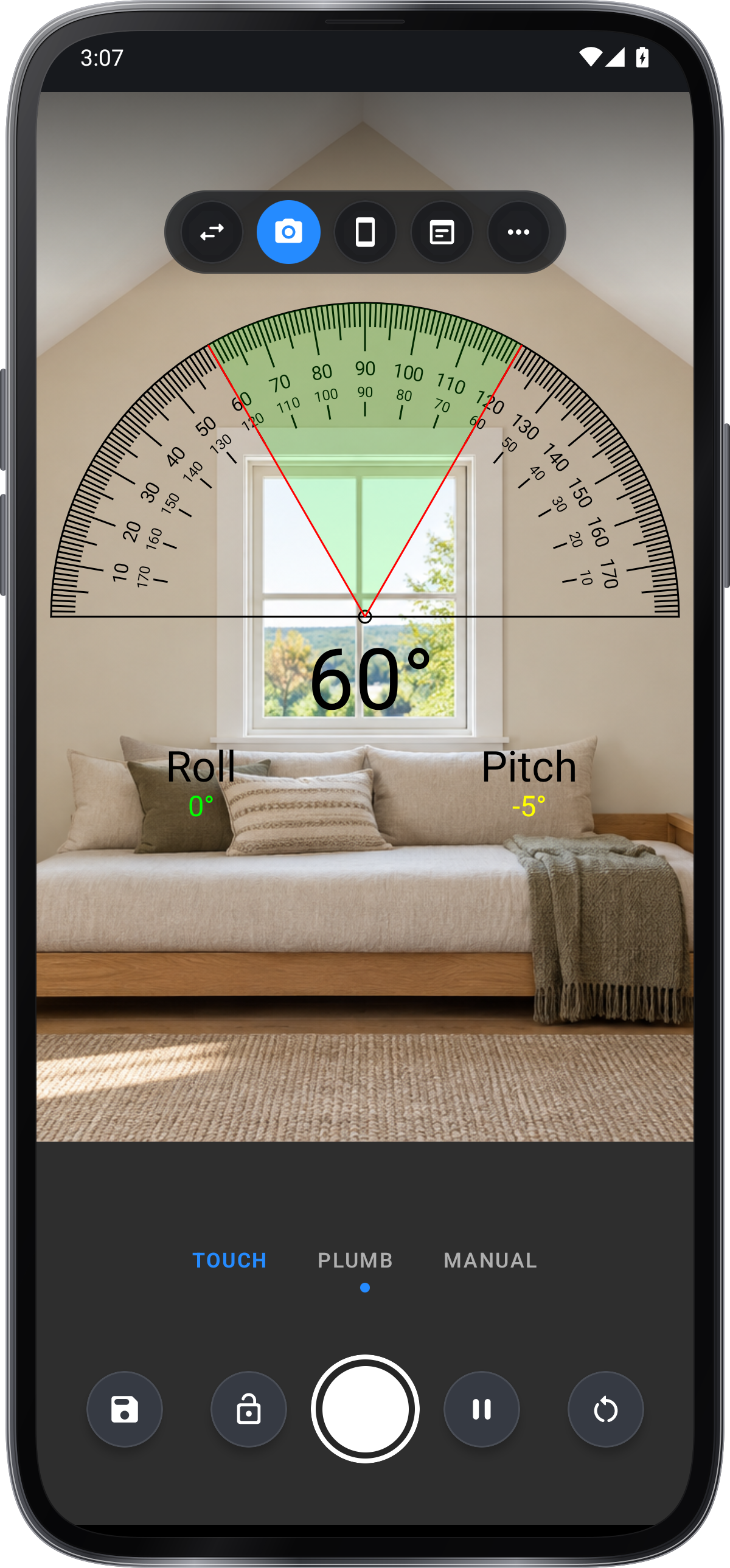
Protractor in Angle Meter
- Arms over the live camera
- Typed angles and a plumb-line mode
- Photo with the angle saved to Records
- Angle finder and level in the same app
Get it onGoogle PlayComing soon to the App Store
Protractor guide ›