Sound
Sound stays in your browser. Nothing is recorded.Decibel meter
See how loud a room, a machine or the street is, with the lowest, average and highest level.
dB(A) · FastStopped
–dB
60 seconds agoNow
The meter listens to the microphone
- Open the site settings from the address bar.
- Allow the microphone.
- Come back and tap Start listening again.
What is it hearing?
- –
- –
- –
Names up to three sounds with a sound model that runs in your browser. Names are automatic hints and can be wrong.
Min
–
Average
–
Max
–
Match a meter you trust
+0.0 dB
An estimate. Phone and laptop microphones aren’t calibrated meters; compare places with the same device.
How loud is that?
30 dBQuiet bedroom at night
40 dBLibrary
50 dBQuiet office
60 dBConversation
70 dBVacuum cleaner
85 dBHeavy traffic
100 dBPower tools
110 dBConcert
How to use it
- Tap Start listening
Allow the microphone when the browser asks.
- Point the microphone at the sound
Hold the device at arm’s length with the microphone uncovered.
- Read the level
Average suits a steady sound, Max the loudest moment. Reset before the next place.
Tips
- Compare with one device
Different phones hear differently. Use the same one for every place you compare.
- Match a meter you trust
If you have a sound level meter, set the offset so both read the same.
- Keep still
Wind, touching the phone and talking nearby push the reading up.
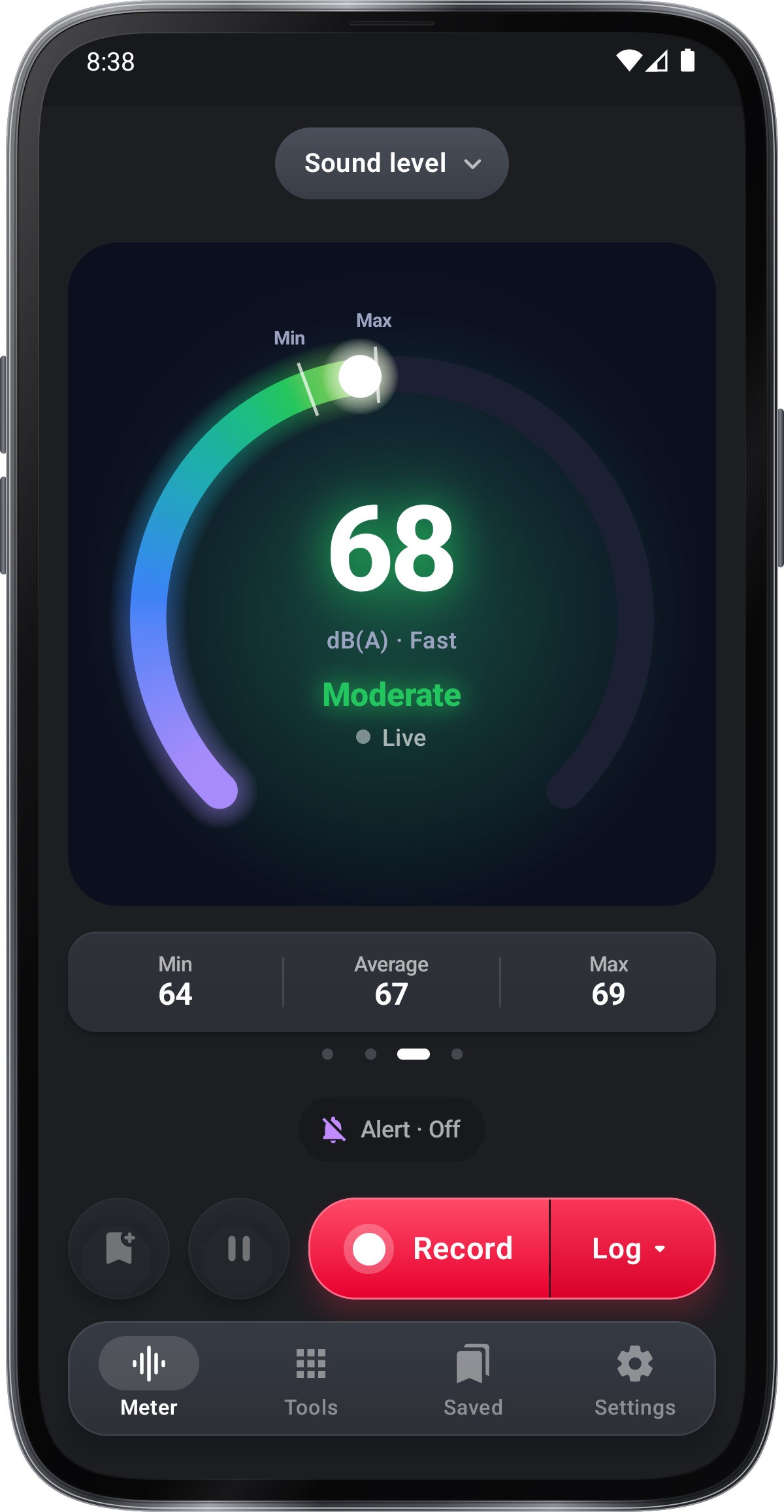
In the app
Decibel Meter
- Ring, Hero card, Level bars and Meter display
- Min, average (Leq) and max
- Sound logs you start and stop
- Photos and videos with the sound level
Get it onGoogle PlayComing soon to the App Store
Decibel Meter guide ›