Line up shelves and frames
Move a level guide onto the visible edge in the camera picture, or enter a manual slope for an arrangement along stairs.
Easy Laser Bubble Level
Easy Laser Bubble Level for iPhone
Coming soon to the App Store
Free to download.
Line up shelves, frames and edges using level lines drawn over your phone’s camera picture. Move a line onto the object, type an angle for a sloping arrangement, use Sight to aim from where you stand, or place angle arms on a paused image. A separate bubble Level handles contact measurements, and the app keeps useful tools and saved work together. The home brings together Laser Level, a contact bubble Level, Ruler, Protractor, Compass, manual Image Meter, saved work and beta Height and distance. Leveling assistant and Construction tools show their required plan.
Explore the screens, then follow the guide to try them yourself.
Practical ways to use Easy Laser Bubble Level.
Move a level guide onto the visible edge in the camera picture, or enter a manual slope for an arrangement along stairs.
Sight reads an elevation angle or a visible roof line. Pause the picture to place guides carefully.
Hold a reading, take a photo or save a record. The separate contact Level checks a surface under the phone.
Start with a useful task, then keep the result.
Open Laser Level and choose Laser, Sight or Angle. Detection is an optional Pro mode.
Face the target, keep the phone steady, then move the on-screen guide onto its edge. Pause when placing an angle.
Hold preserves the number; Pause freezes the picture; the shutter takes a photo and Save keeps a record.
Open Quick settings › Assist › Tour and practice. Tour, Showroom, Practice room and Jobs around the room use a drawn scene without needing camera access. Practice saves nothing. The laser lines are drawn on screen.
Practice 1
The red line stays level however you hold the phone. Drag it onto a shelf and line the shelf up, or type an angle for the stairs.
Practice 2
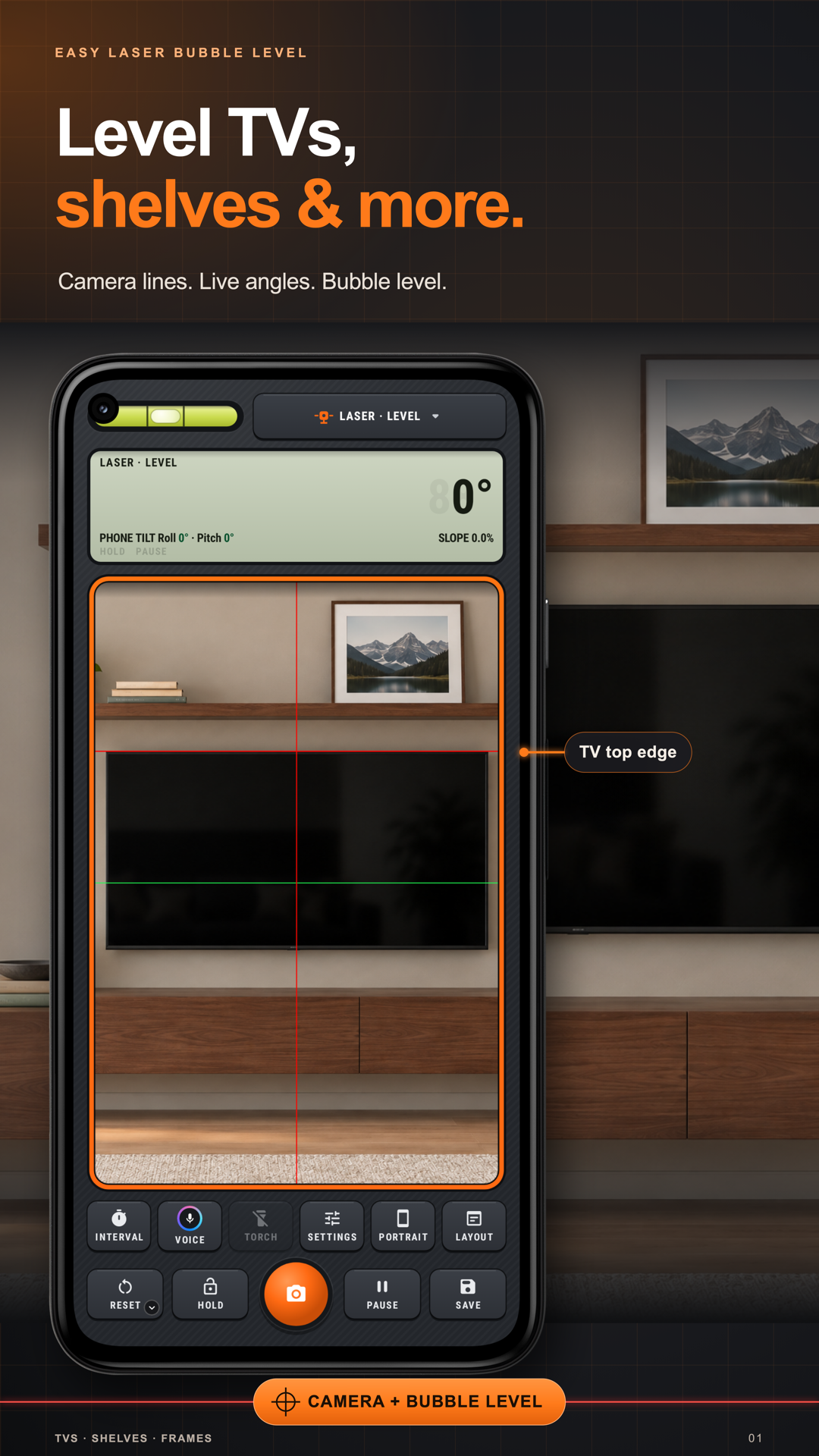
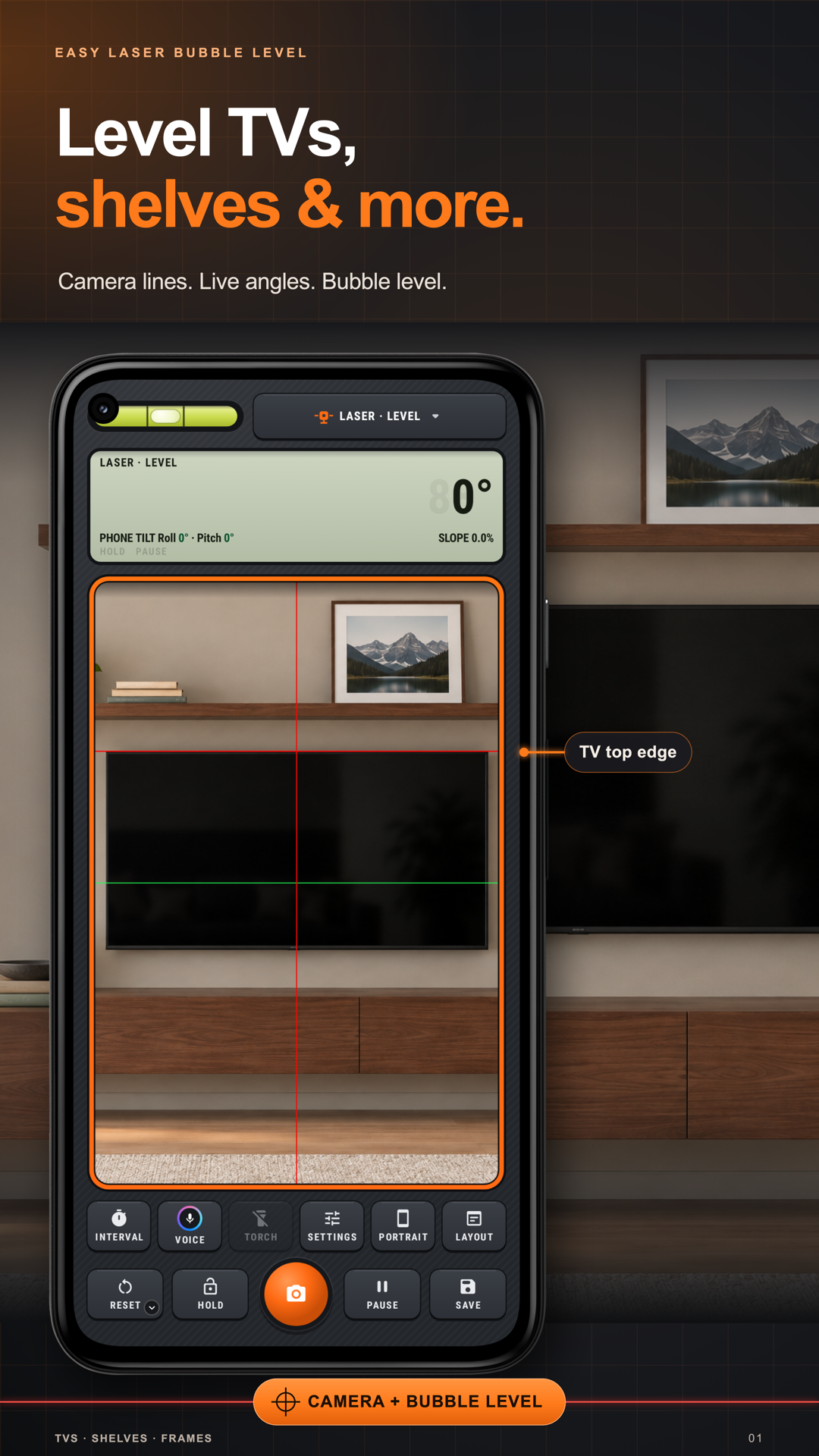
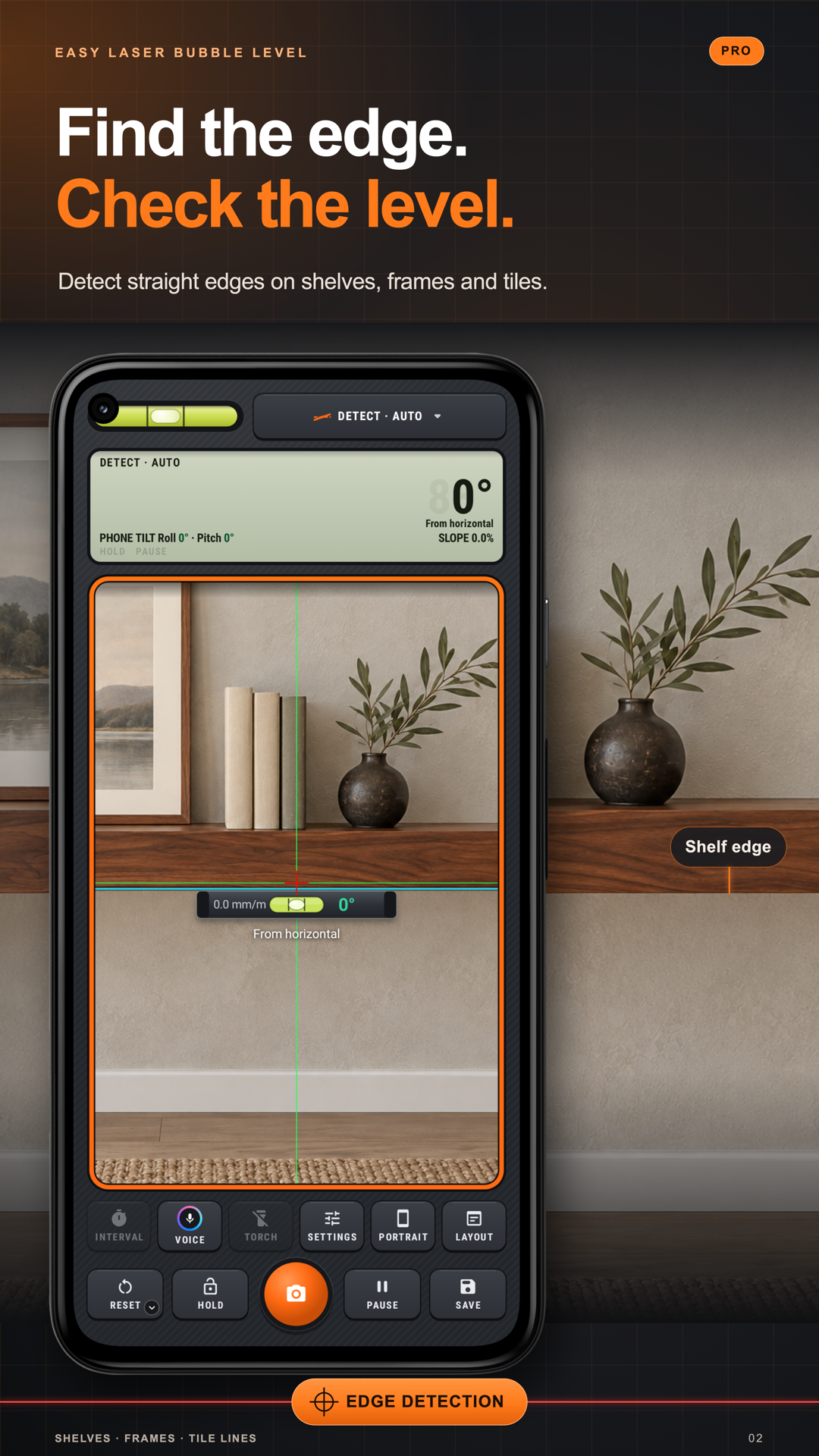
Put the crosshair on any edge: a TV, a shelf, a door. A spirit level lands on it and reads how far it is off.
Practice 3
Aim at a chimney for its height angle, lay a line on a roof for its true pitch, or drag two arms over anything.
Useful habits for your next task.
Put the guide on the object: Drag a level line onto the shelf or frame you are checking. Line up the object’s visible edge with the guide in the camera picture.
Type a slope for repeated alignment: Use Laser · Manual and enter the required angle when arranging items along stairs or another slope. Reposition the guide on the picture as needed.
Know what each keep control does: Hold preserves the reading, Pause freezes the camera picture and the shutter makes a photo. Choose the one that matches what you need to keep.
Aim steadily for Sight: Use Sight · Point for an elevation angle or Sight · Line along a visible roof edge. Keep the phone still and pause the picture when placing the guide.
Use the right image tool: For a photo angle, place the arms yourself along the visible edges and adjust their handles. Image Meter’s Tool edition uses manual drawing; it does not automatically recognize the angle.
Learn on the drawing first: Try a shelf, picture or door task in the Practice room before using the camera. The practice badge means nothing is being saved.
Protractor. Measure an angle on the screen or over the camera.
Explore the tool ›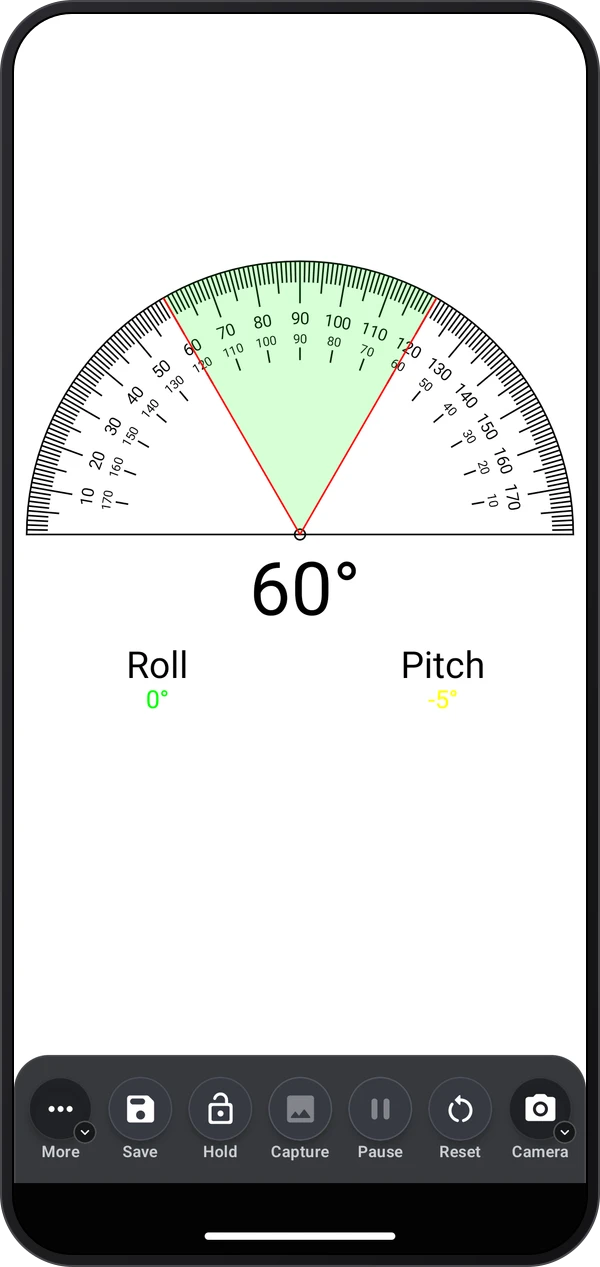
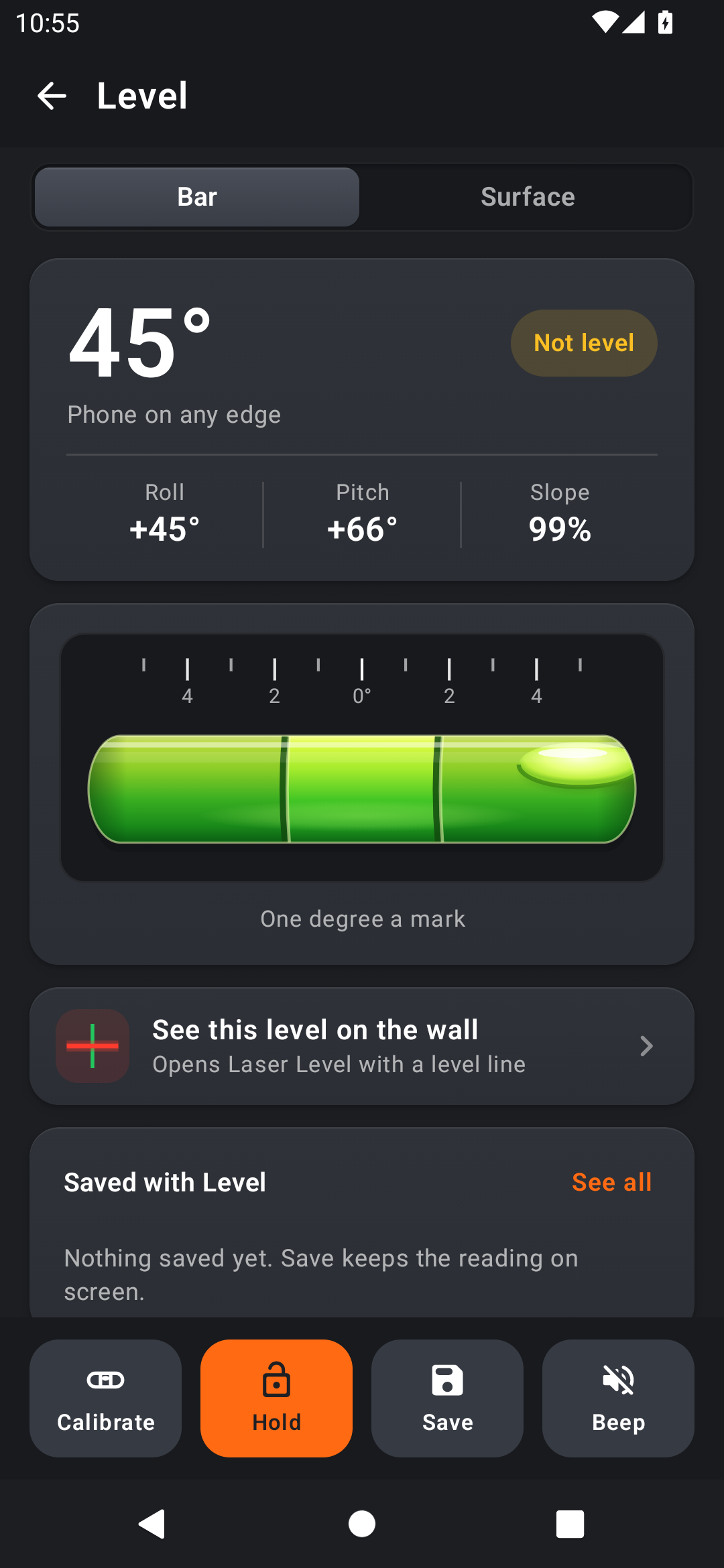
Level. A bubble level for shelves, frames and furniture.
Explore the tool ›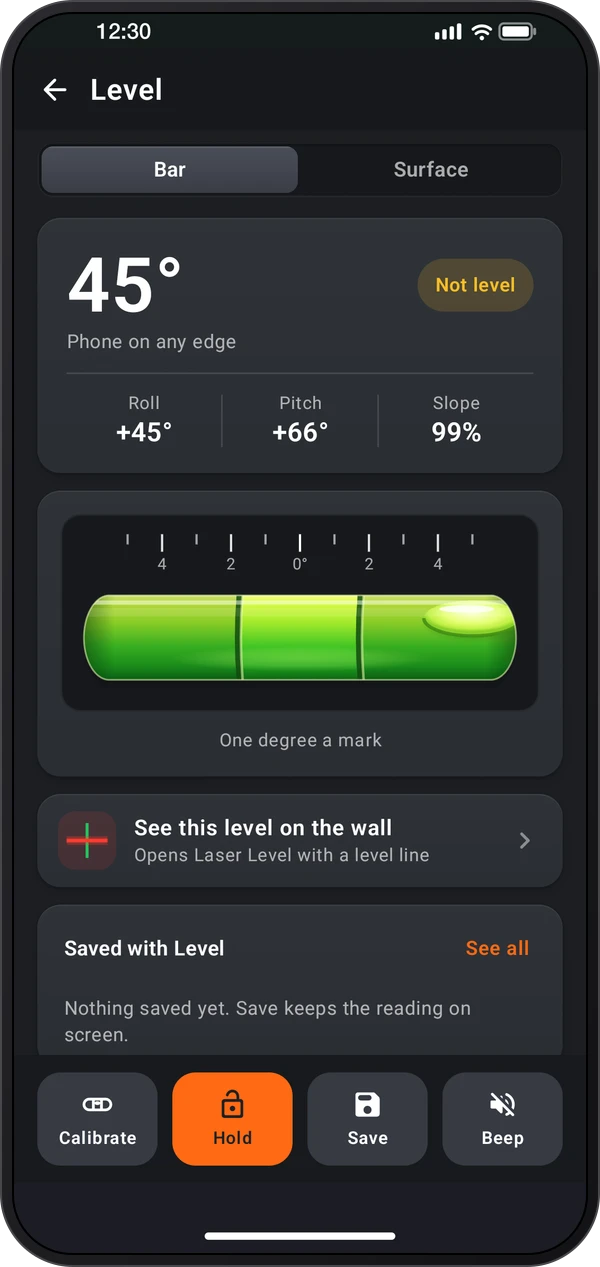
Leveling assistant. Level a caravan, trailer, table or fridge with step-by-step help.
Explore the tool ›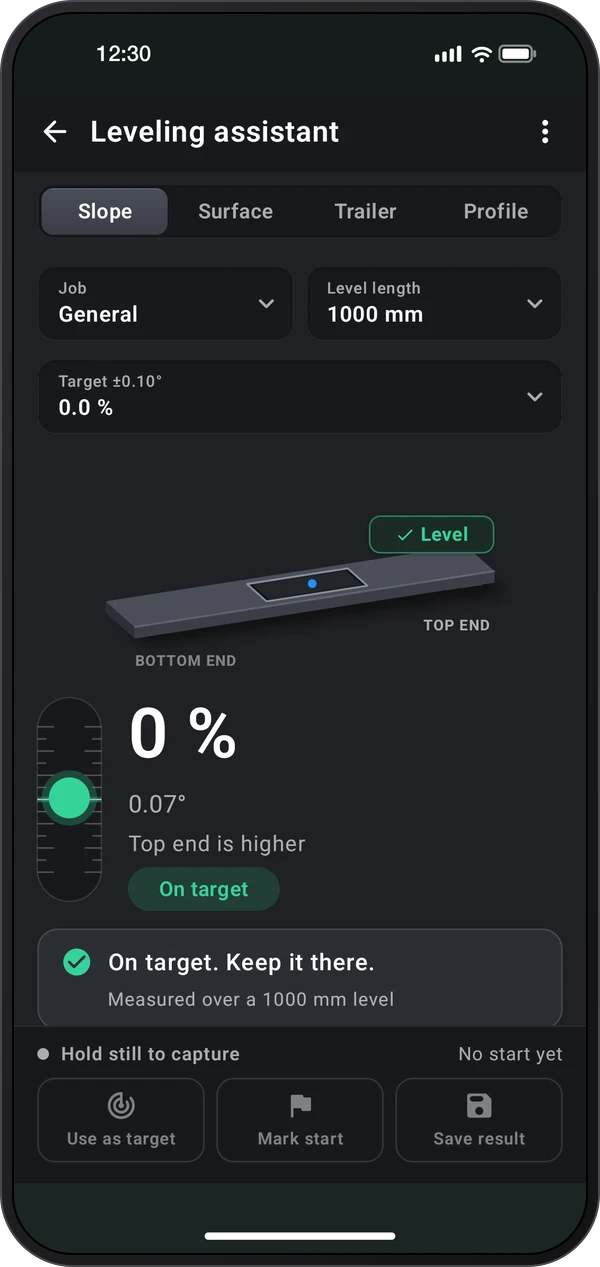
Laser Level. Laser lines through the camera for hanging, tiling and lining things up.
Explore the tool ›Image Meter. Measure lengths, angles and areas on a photo from one known size.
Explore the tool ›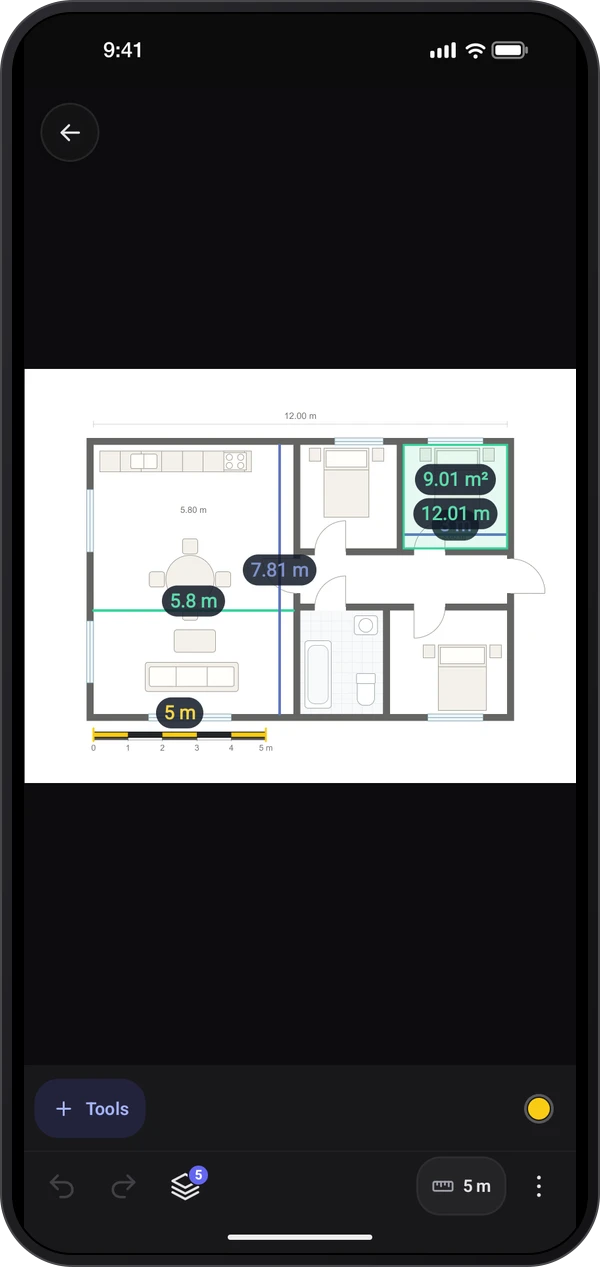
Laser Level. Laser Level lines aligned with a television on a wall
Read the guide ›Shelf alignment. Laser Level detecting the edge of a shelf
Read the guide ›Bubble level. The Bubble level tool in Bar mode with a 45-degree edge reading
Read the guide ›Step-by-step instructions for the app and its tools.
Video coming soonBasics · Written steps
Read the steps : Choose a toolVideo coming soonBasics · Written steps
Read the steps : Choose a measuring modeVideo coming soonTools · Written steps
Read the steps : ProtractorGet the app
Free to download. Coming soon to iPhone.