Sound
Sound stays in your browser. Nothing is recorded.Spectrum analyzer
See which pitches a sound is made of and find the strongest one: a hum, a whistle or a squeal.
Level by pitchStopped
10 seconds agoNow
The analyzer listens to the microphone
- Open the site settings from the address bar.
- Allow the microphone.
- Come back and tap Start listening again.
Strongest pitch
–
Nearest note
–
Its level
–
Phone and laptop microphones hear little below 50 Hz and above 16 kHz.
How to use it
- Tap Start listening
Allow the microphone when the browser asks.
- Make or find the sound
Hold the microphone near it. The tall peak is the strongest pitch.
- Freeze it
Freeze keeps the picture still. Peak hold keeps the loudest level of each pitch.
Tips
- Mains hum
A hum shows at 50 or 60 Hz, depending on your country, and at its multiples.
- One squeal, one peak
A whistle or a squealing belt shows a single tall peak. Its pitch helps find the part.
- Low and high ends
Small microphones hear little at the very low and very high ends.
In the app
Audio analyzer in Decibel Meter
- Ten-second spectrogram and peak hold
- Frozen snapshots to compare
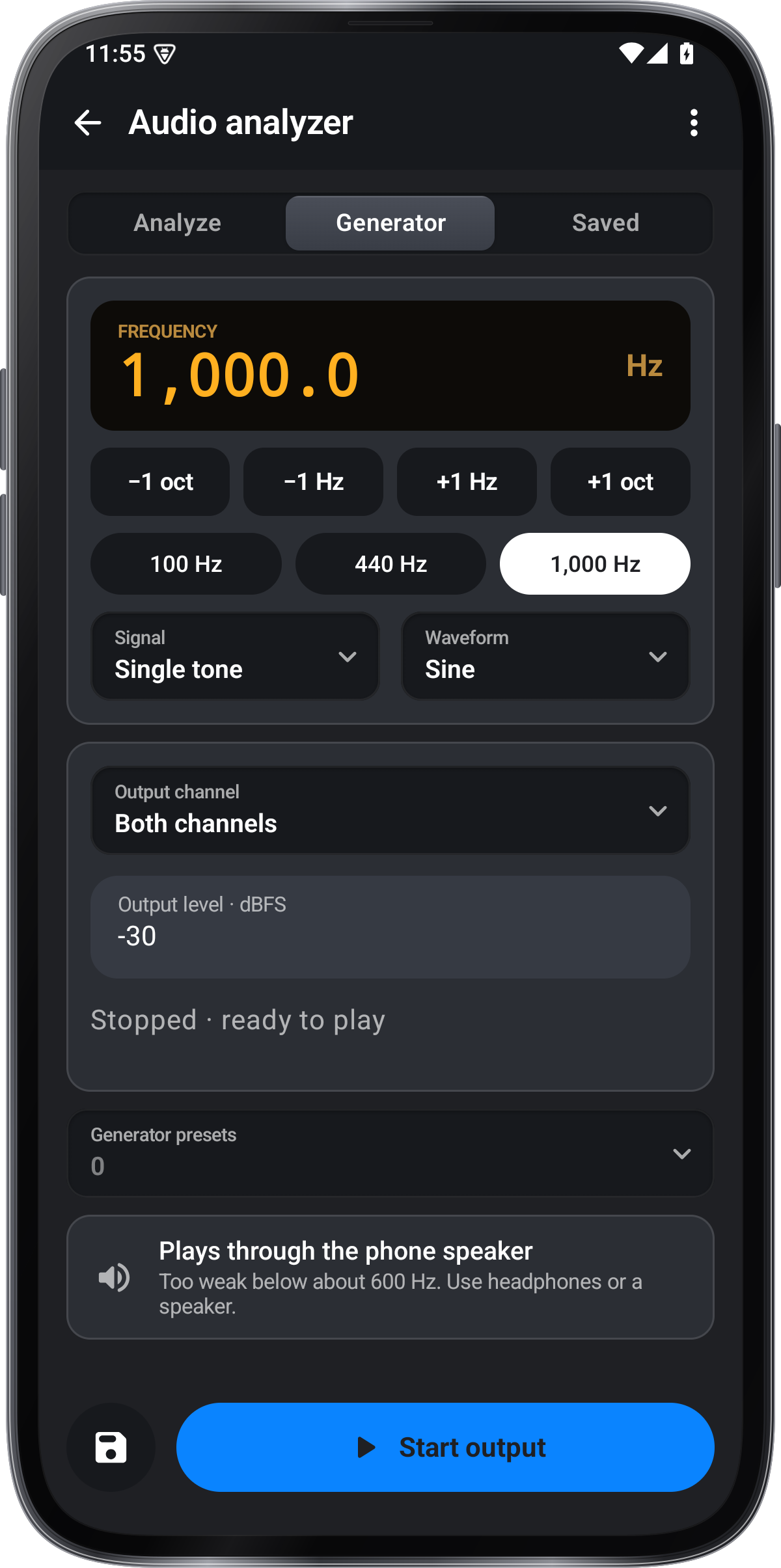
- Tone, sweep and pink noise
- A sound meter and logs in the same app
Get it onGoogle PlayComing soon to the App Store
Audio analyzer guide ›