Phone sensors
Works in your browser. Nothing is uploaded.Phone sensor test
See which of your phone’s sensors this browser can read, live, before you measure anything.
Tilt, movement and the compass start with one tap.
TiltMotion and orientation–Not on this device
MovementAccelerometer–Not on this device
Compass headingWhich way the top points–Not on this device
LocationGPS, Wi-Fi and networkAsks firstNot on this device
MicrophoneSound levelAsks firstNot on this device
CameraFront and backAsks firstNot on this device
LightAmbient light sensorOnly in appsNot shared
Magnetic fieldRaw magnetometerOnly in appsNot shared
Air pressureBarometerOnly in appsNot shared
0
of 9 sensors this device shares with web pages right now. Tap Try on the others to let this page use them.
Web pages never get the light sensor, the raw magnetic field or the barometer. Our apps read them.
Open it on your phone
A computer has no motion sensors. Scan the code with your phone’s camera to open this page there.
How to use it
- Open it on your phone
Tilt, movement and the compass show live at once.
- Tap Try on the others
Location, microphone and camera ask before they start.
- Check the numbers
A reading that never moves, or jumps, points to a sensor problem.
Tips
- Lying still
A phone lying on a table should read close to 0.00 g of movement.
- Wobbly compass
If the heading swings, keep away from magnets and move the phone in a figure 8.
- Missing sensors
Light, the raw magnetic field and air pressure are only open to apps.
In the app
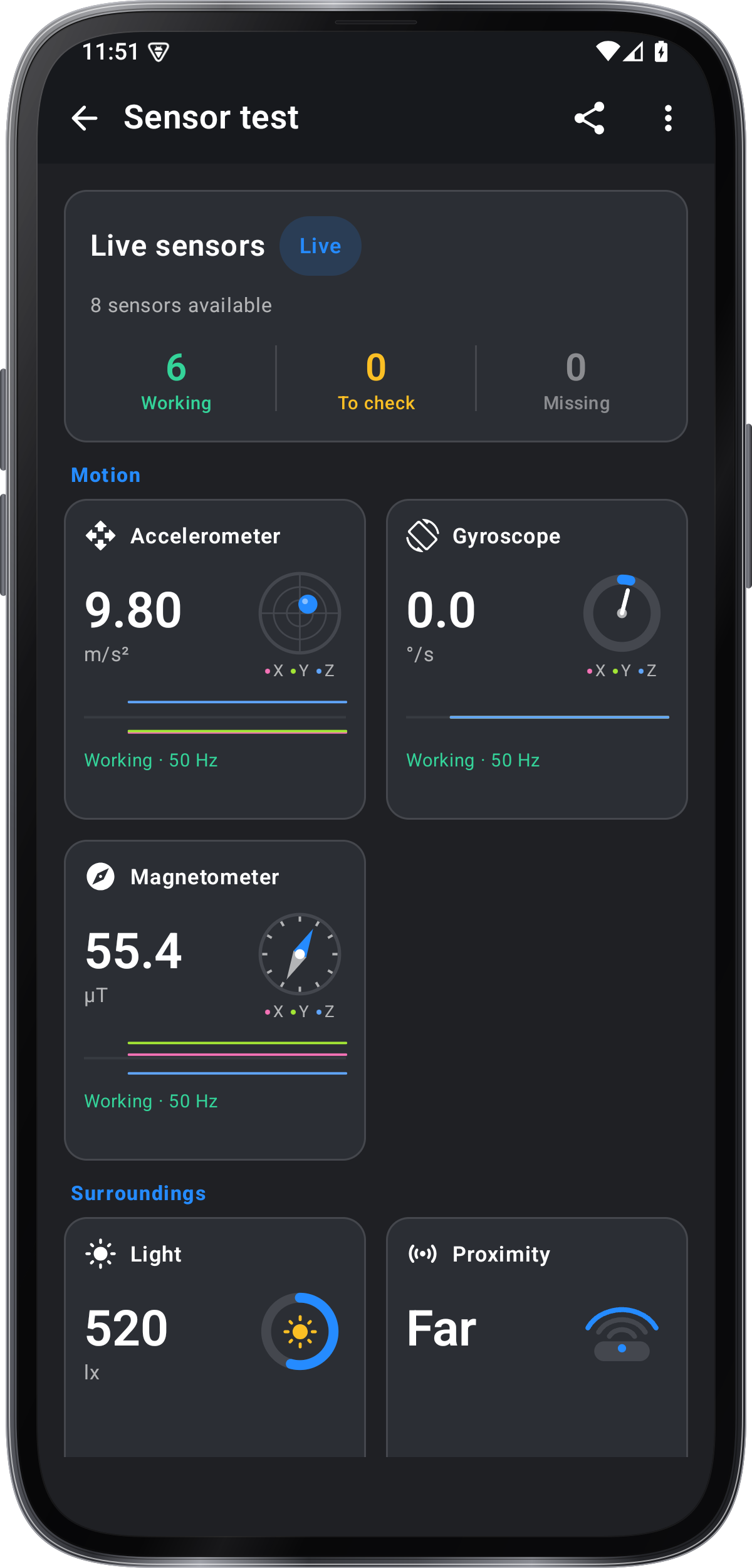
Sensor test in Angle Meter
- Accelerometer, gyroscope and magnetometer
- Light, proximity and barometer
- GPS and microphone checks
- Angle finder and level in the same app
Get it onGoogle PlayComing soon to the App Store
Sensor test guide ›