Phone sensors
Works in your browser. Nothing is uploaded.Compass
Hold your phone flat to see which way you face, with true or magnetic north and a bearing to follow.
The compass reads which way your phone points
- Open the site settings from the address bar.
- Allow motion and orientation.
- Come back and tap Start again.
Heading
–
Declination here
–
Bearing
Not set
If the heading drifts, move the phone in a figure 8 a few times, away from metal and magnets.
Open it on your phone
A computer has no compass. Scan the code with your phone’s camera to open this page there.
How to use it
- Tap Start
Allow motion and orientation when the browser asks.
- Hold the phone flat
Point its top where you face, away from metal and magnets.
- Lock a bearing
Turn until it says On it, then walk that way.
Tips
- Mind the magnets
Magnetic cases, car mounts, laptops and steel tables pull the heading.
- True or magnetic
Maps use true north. An old hand compass shows magnetic north. The difference is the declination here.
- Drifting heading
Move the phone in a slow figure 8 a few times, then check against a known landmark.
In the app
Compass in Clinometer
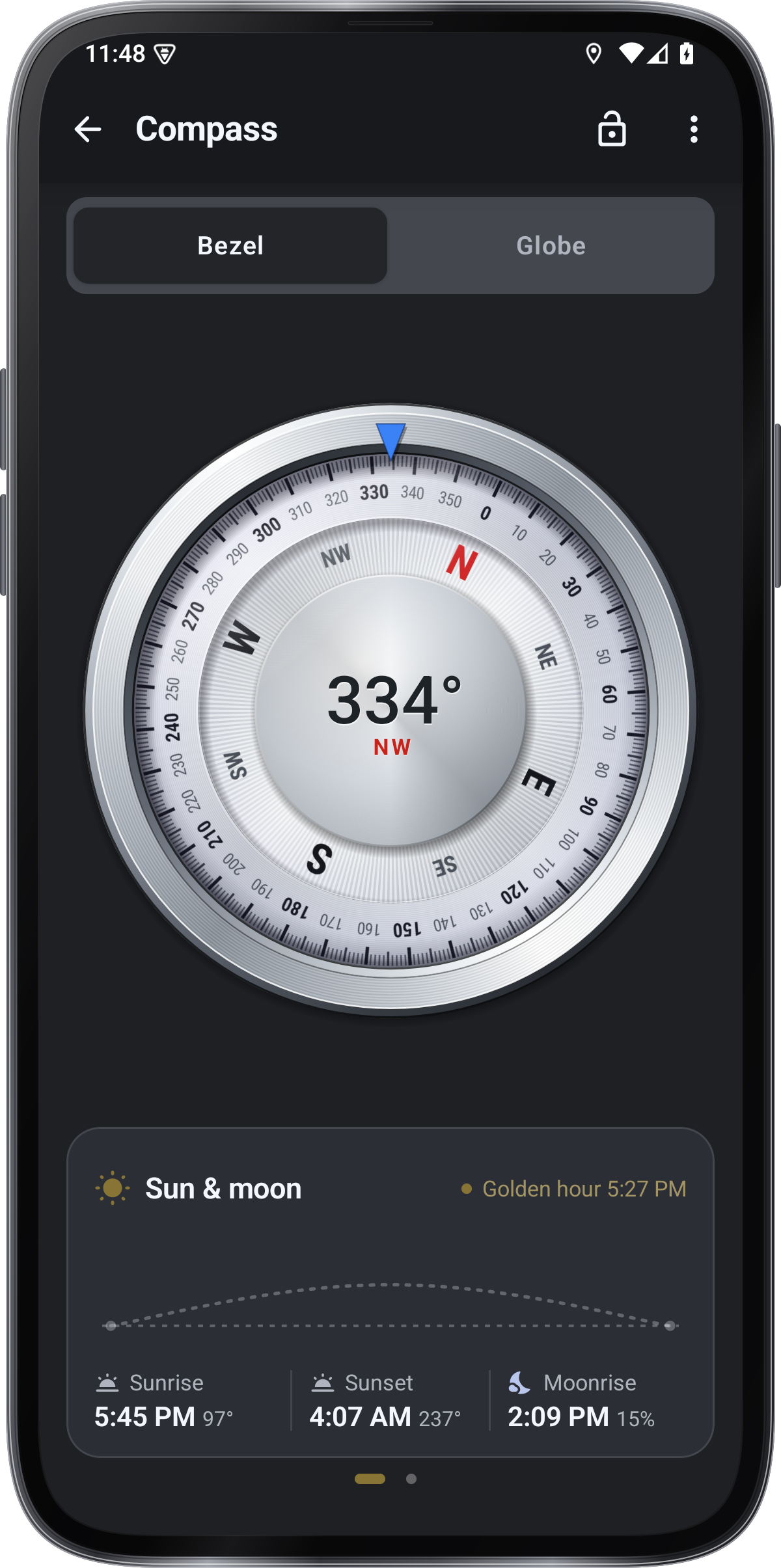
- Bezel and Globe faces
- True north from your location
- Sky and walk bezels
- Slope meter and level in the same app
Get it onGoogle PlayComing soon to the App Store
Compass guide ›