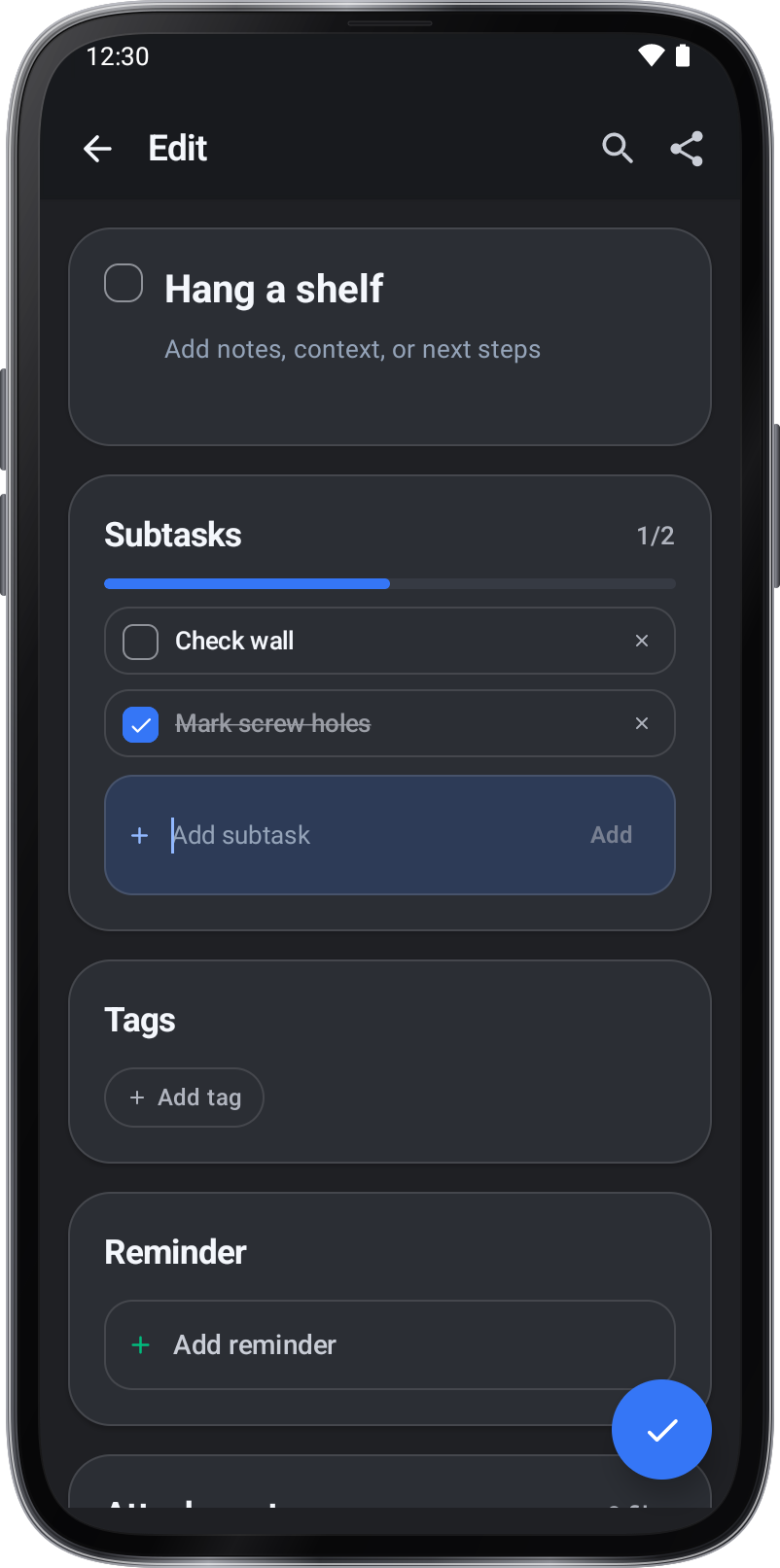
Subtasks break a task into steps: type one under Subtasks and tap Add. The bar shows how many are done.
To-do
Instructions and practical tips for the tool.
Keep tasks, tags, attachments, and reminders together.
Step by step.
Subtasks
Add and complete a subtask
- Open a task and find Subtasks.
- Enter a step in Add subtask, then tap Add.
- Check the box next to the subtask, then tap ✓ to save.