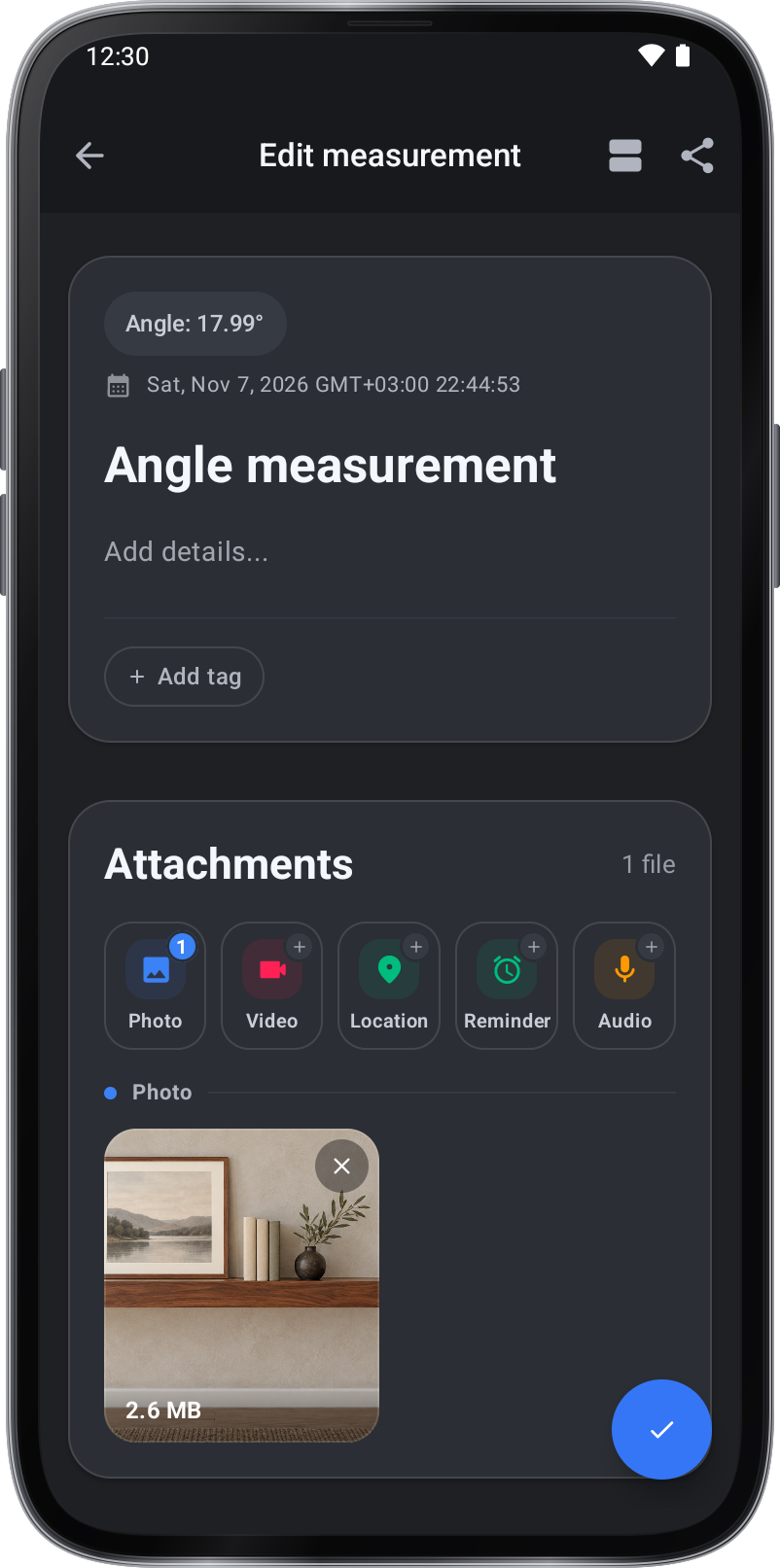
Photo and Video take a new one with the Camera or add several from the Gallery. Location picks a place on the map, and Audio records a voice note until you tap Stop.
Records
Instructions and practical tips for the tool.
Find, edit, organize, and export saved measurements.
Step by step.
Attachments
Add a photo to a record
- Open a saved measurement in Records.
- Under Attachments, tap Photo, then Gallery. Choose a photo.
- Tap ✓ to keep the attachment with the record.