Unit converters
Works in your browser. Nothing is uploaded.Data storage converter
Bytes to kilobytes, megabytes, gigabytes and terabytes, and to KiB, MiB, GiB and TiB, which count in 1024s.
GB
Gibibyte
–
kB, MB and GB count in thousands; KiB, MiB and GiB in 1024s, which is why a drive shows less than its label.
- Bit–
- Byte–
- Kilobyte–
- Megabyte–
- Gigabyte–
- Terabyte–
- Kibibyte–
- Mebibyte–
- Gibibyte–
- Tebibyte–
Unit converters
Trade unit converterFeet, inches and fractions, board feet, roofing squares.Volume converterGallons, litres, cubic feet and cupsWeight converterPounds, kilograms, ounces, stones and tonsTemperature converterFahrenheit, Celsius and KelvinSpeed convertermph, km/h, m/s and knotsTime converterSeconds, minutes, hours, days and weeksFuel economy convertermpg, L/100 km and km/LSlope converterDegrees, percent, 1 : n and pitchAngle converterDegrees, radians, gradians and DMSPressure converterpsi, bar, kPa and atmForce converterNewtons, kN, kgf and lbfTorque converterN·m, lbf·ft and lbf·inDensity converterkg/m³, g/cm³, lb/ft³ and lb/galFlow rate convertergpm, L/min, m³/h and cfmEnergy converterkWh, joules, calories and BTUPower converterhp, kW, W and BTU/hFrequency converterHz, kHz, MHz, GHz and rpmData storage converterMB, GB, TB, GiB and bitsLux and foot-candlesLux, kilolux and foot-candlesMagnetic field converterGauss, tesla, µT and mG
How to use it
- Type the value
The number you have, like 500 for 500 GB.
- Pick its unit
Bits, bytes, kB, MB, GB, TB, KiB, MiB, GiB or TiB.
- Read or copy
Every other unit follows. Tap copy beside the one you need.
Tips
- Why the drive looks smaller
A 1 TB drive holds 10¹² bytes, which a computer may show as about 931 GiB.
- Bits and bytes
One byte is 8 bits. Internet speeds are given in bits, file sizes in bytes.
- GB or GiB
GB counts in thousands, GiB in 1024s.
In the app
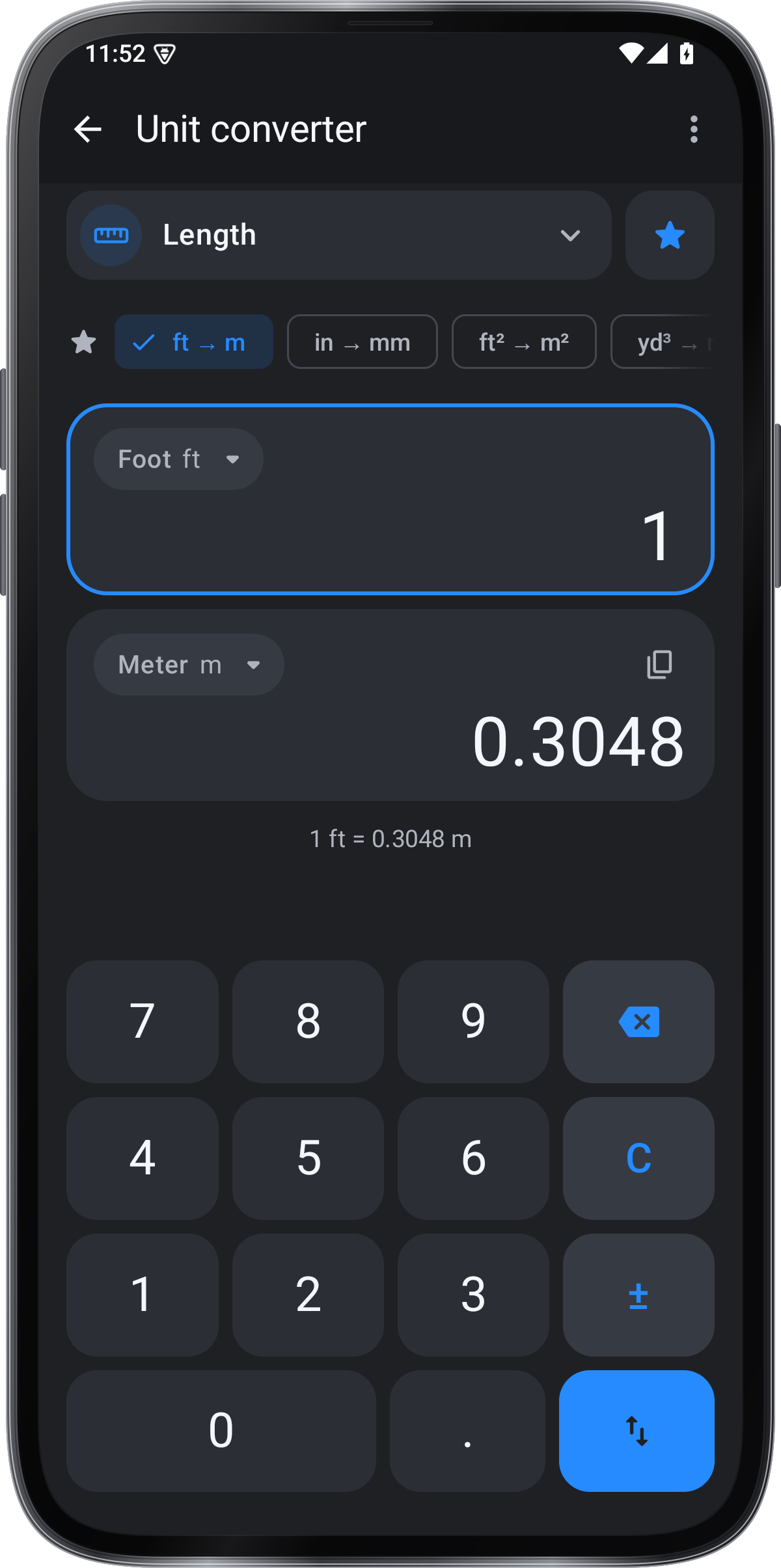
Unit converter in Angle Meter
- Every unit of a kind on one screen
- Typed conversions like 5′ 7 3/8″ to mm
- Pinned unit pairs and a conversion list
- Voice commands
Get it onGoogle PlayComing soon to the App Store
Unit converter guide ›