Use Solar in Satellite Finder to check panel direction and tilt for the place you choose.
How to use Sun & Sky
Instructions and practical tips for the tool.
Explore Sun, Moon and solar-panel planning in Satellite Finder. Choose a place to inspect sky directions, panel tilt and sun times.
Use onlineSun position runs in your browser.
Step by step.
Get started
Open the solar page in Satellite Finder
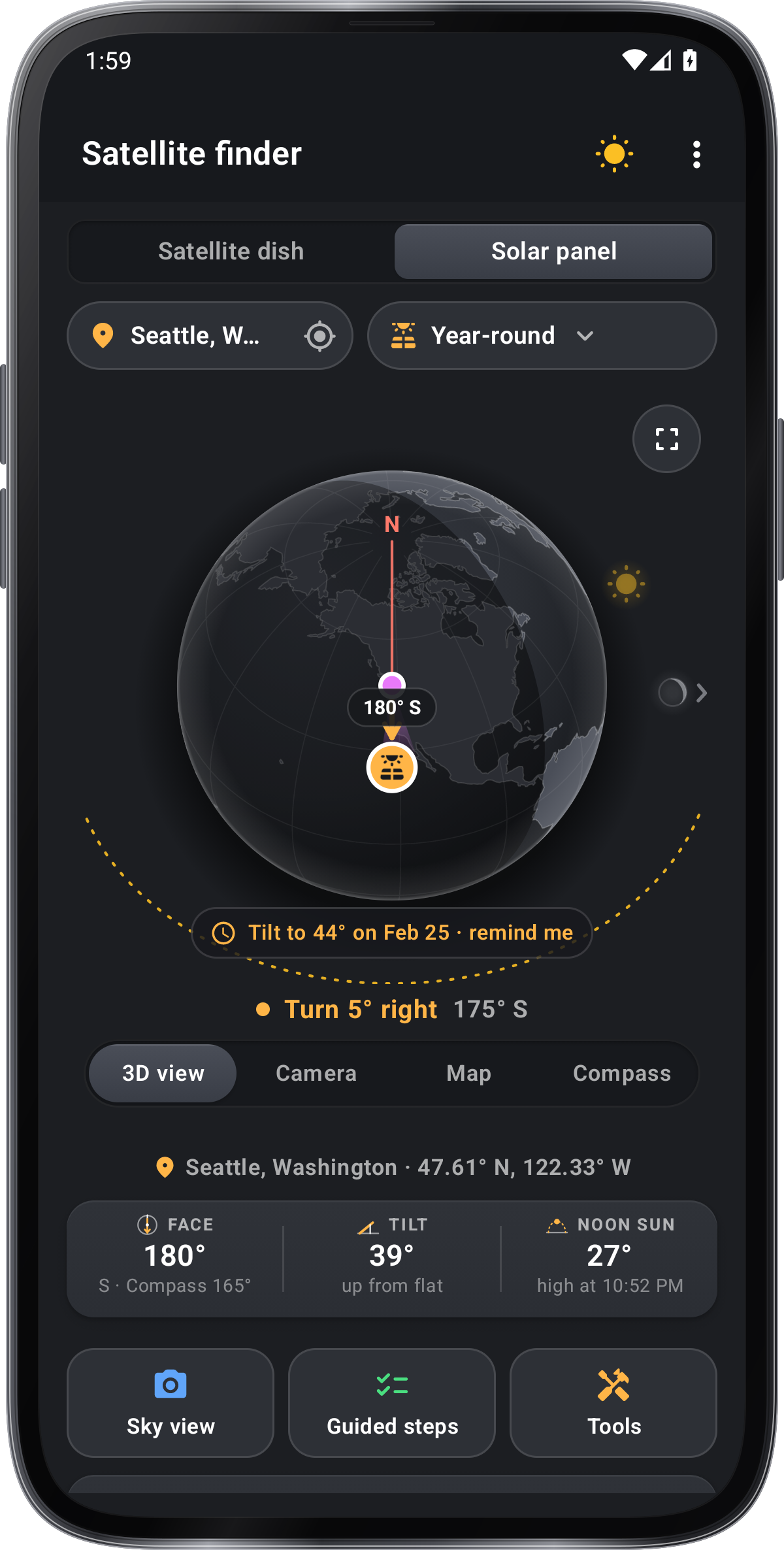
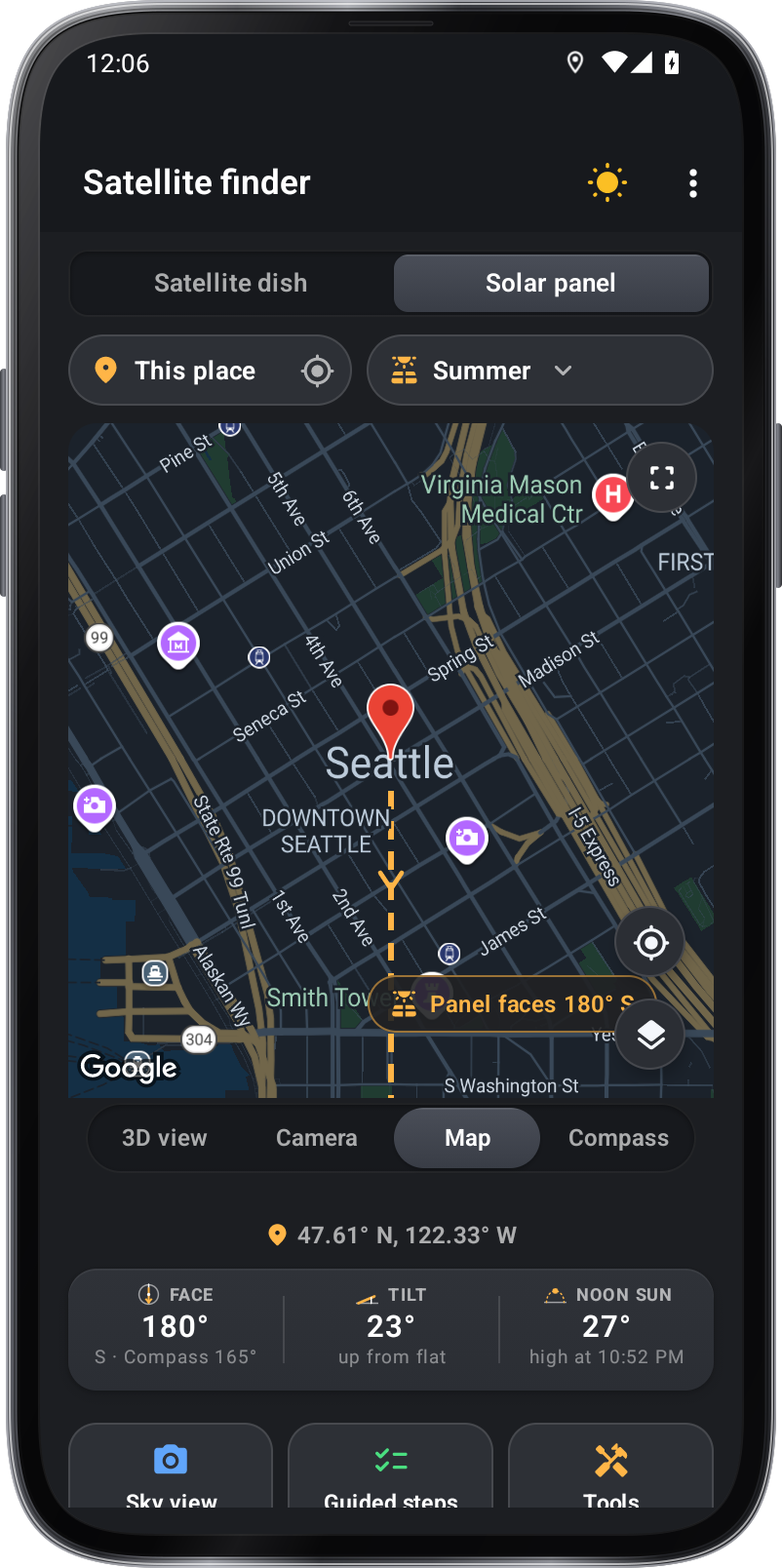
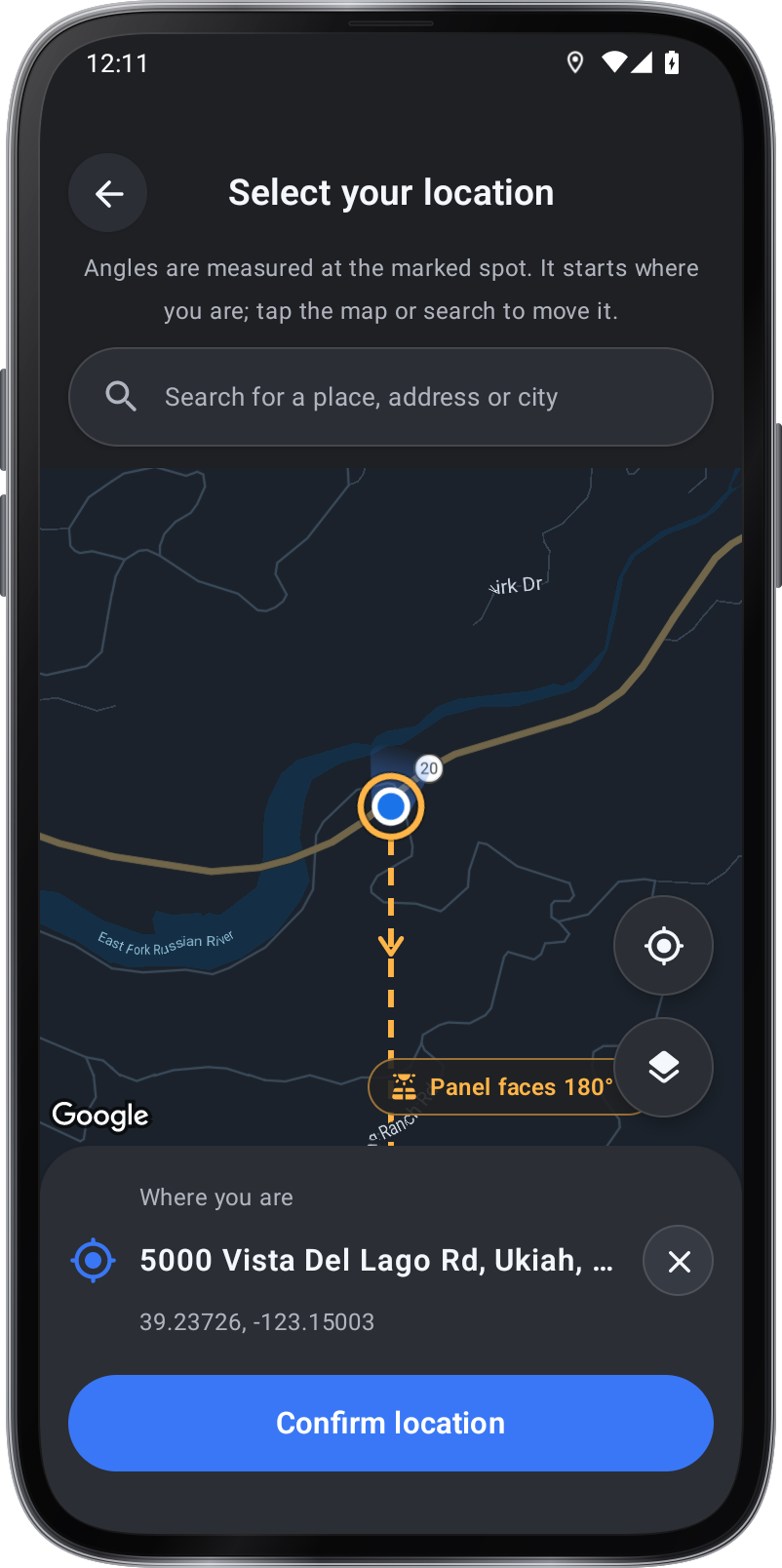
Open Satellite Finder and choose the Solar page to plan a panel. Set your current position or pick a place on the map.
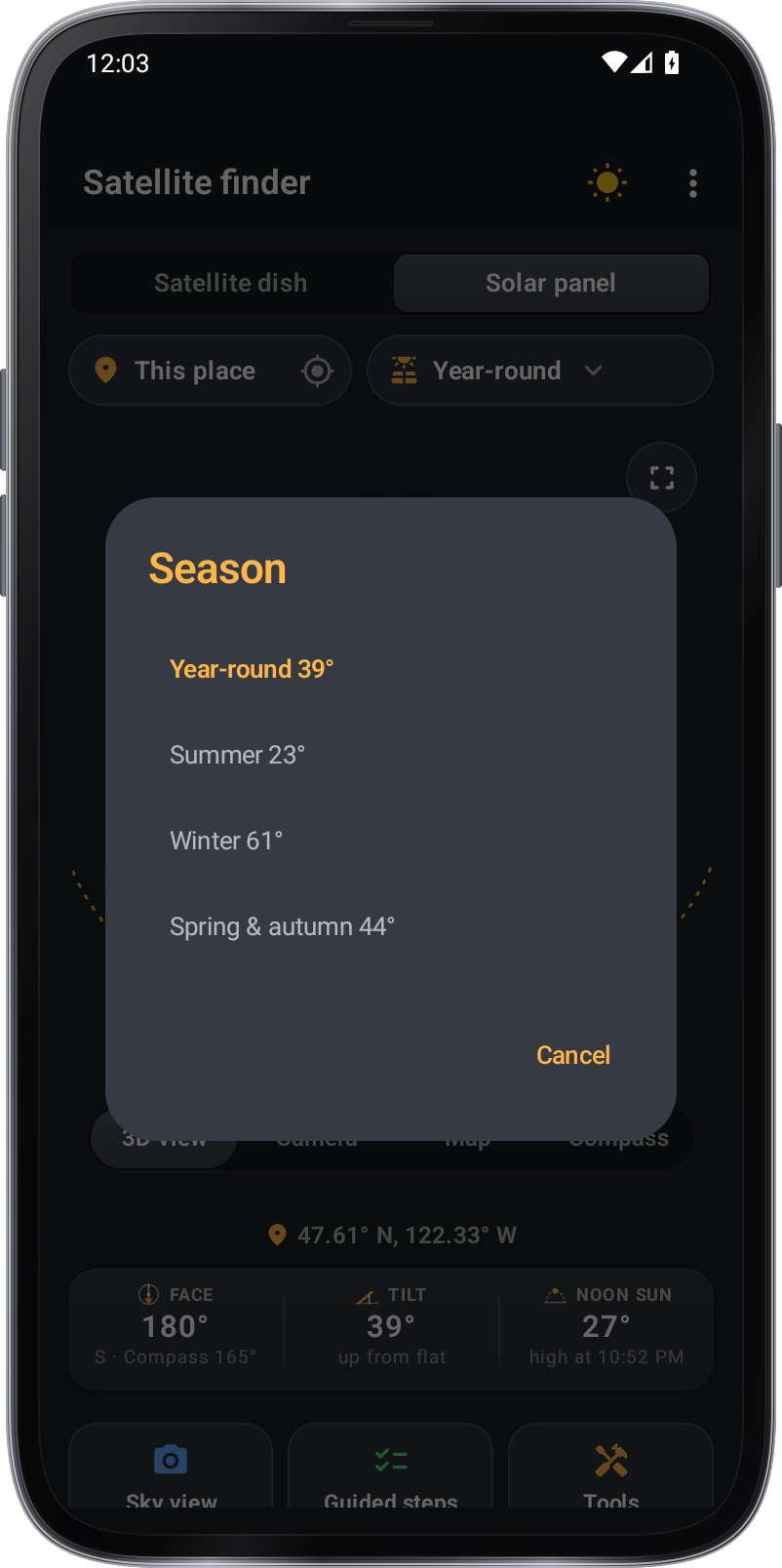
Choose the season
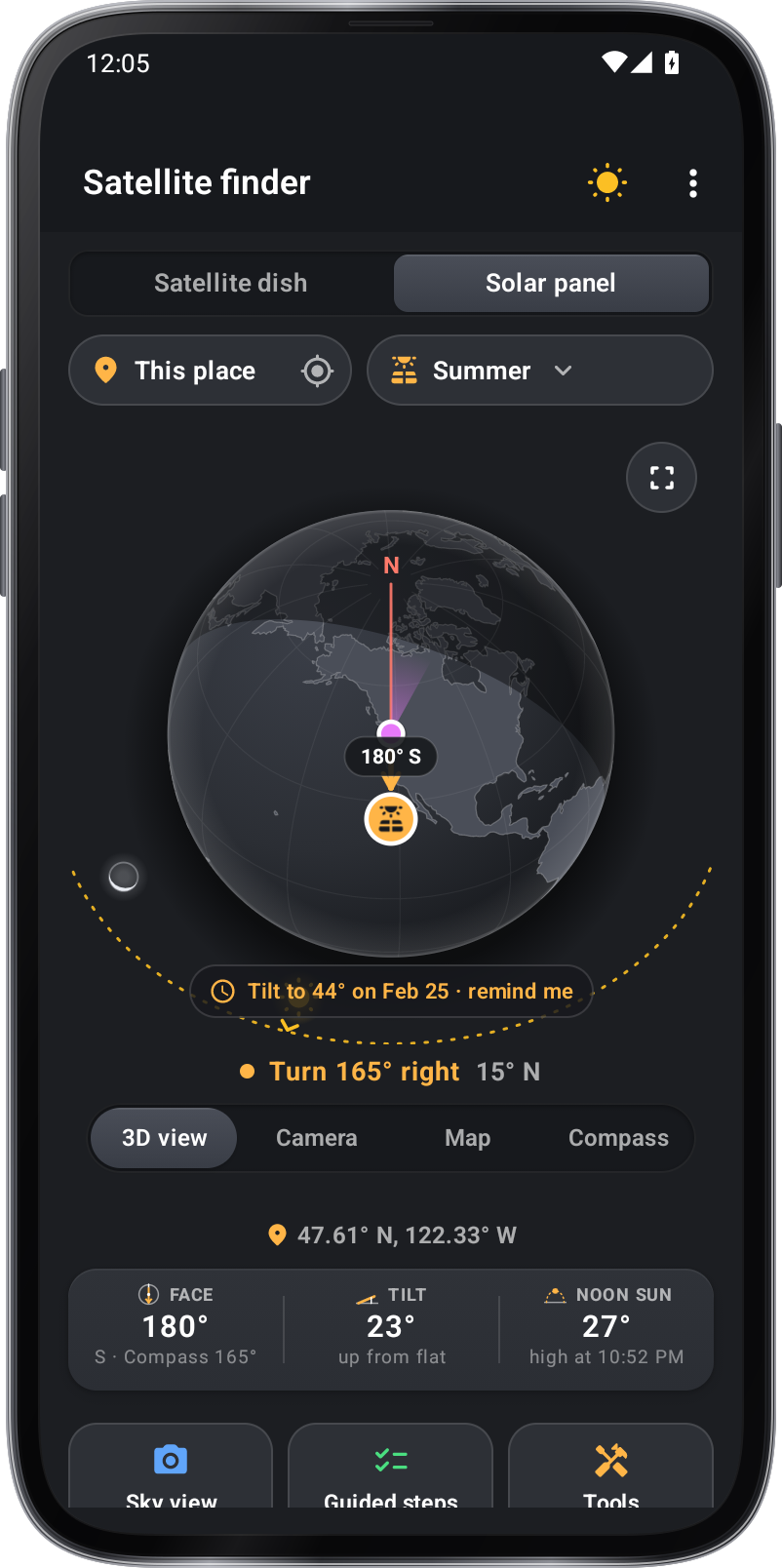
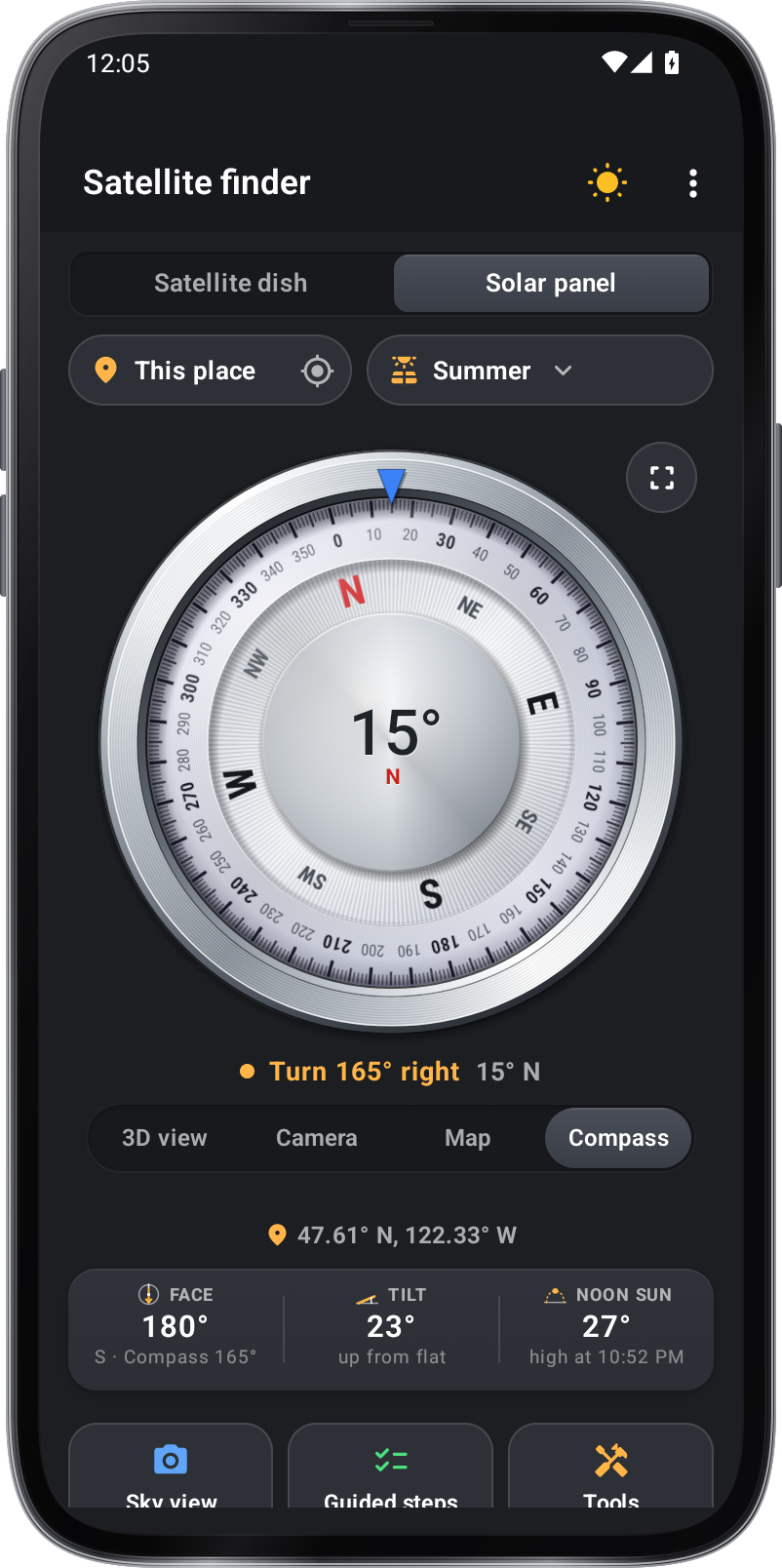
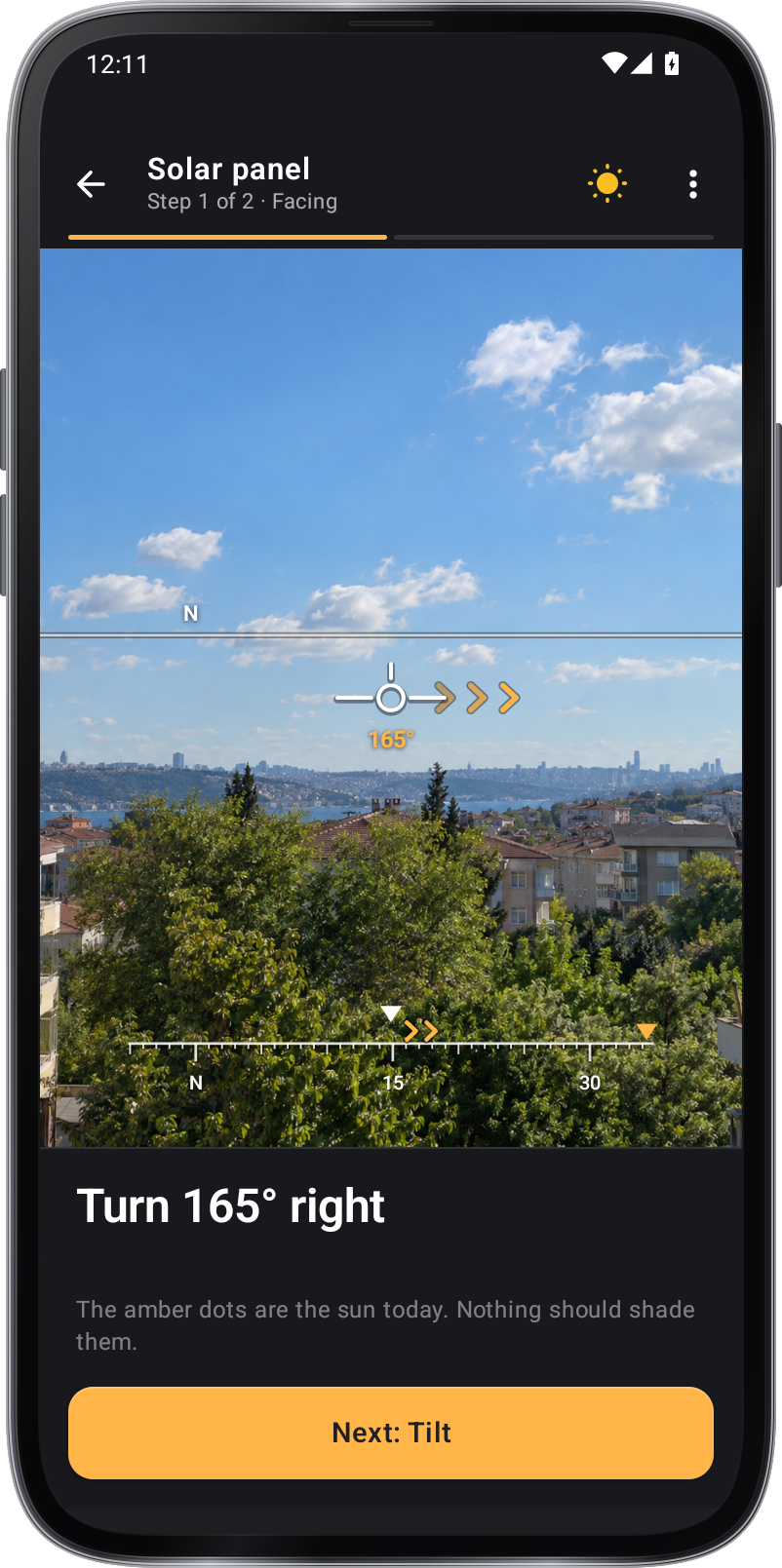
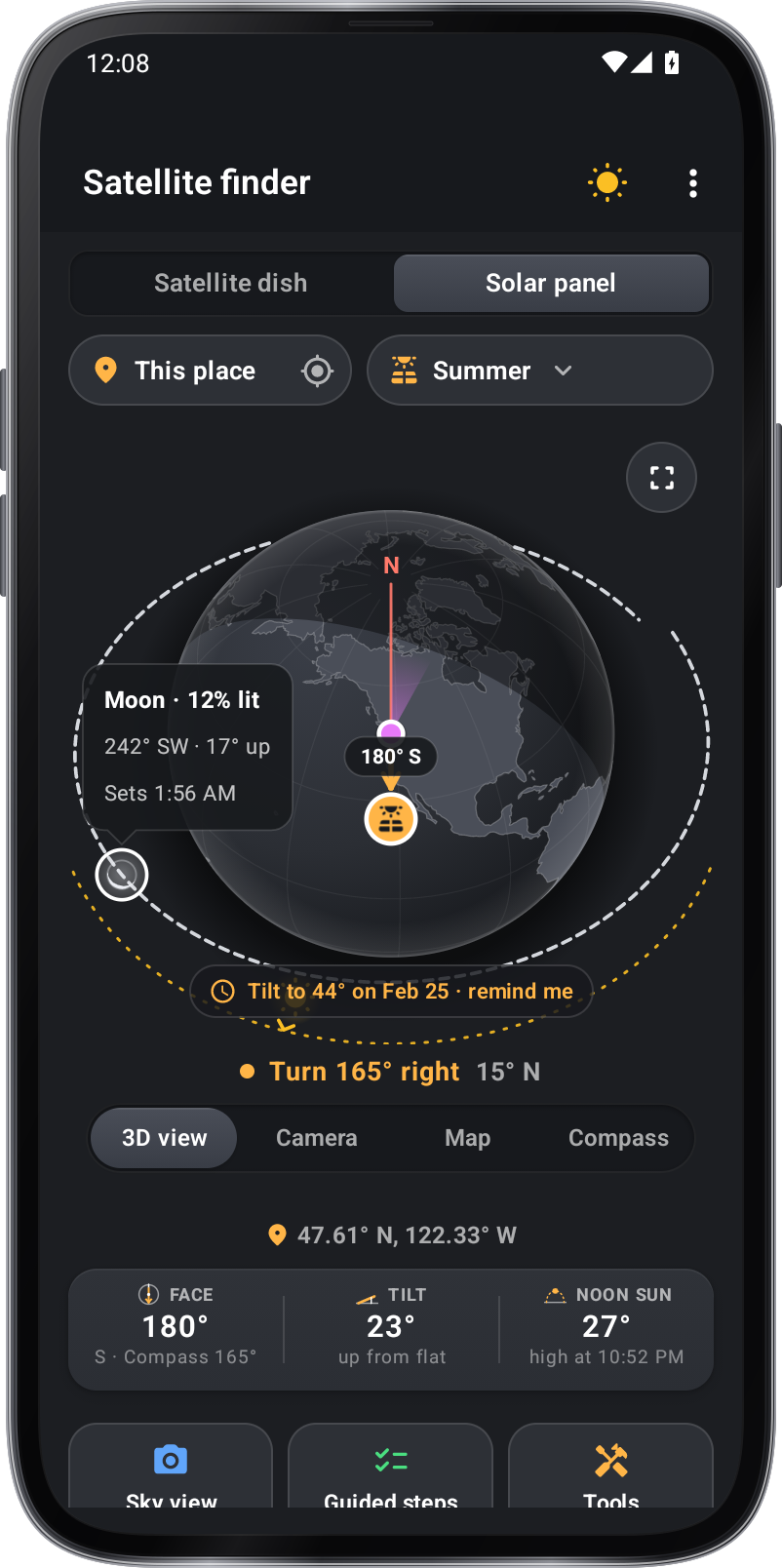
For a panel, pick a season: the globe shows where the phone points and where the panel should face. Then open the camera or guided steps. Hold the phone up and turn until the flag is in the crosshair: the panel should face that way. Then switch to Tilt, lay the phone on the panel, screen up, and tilt the panel until the gauges are green.
Measure
Use the sky tools in Satellite Finder
Open Satellite Finder. Use Solar for panel direction and tilt, or the globe to inspect the Sun and Moon.
Inspect the Sun and Moon on the globe
Inspect the globe as you turn the phone. Tap the Sun or Moon to inspect the sky object and its times. In Camera, tap the Sun or Moon marker to see its path and details.
Check sun times and dish outages
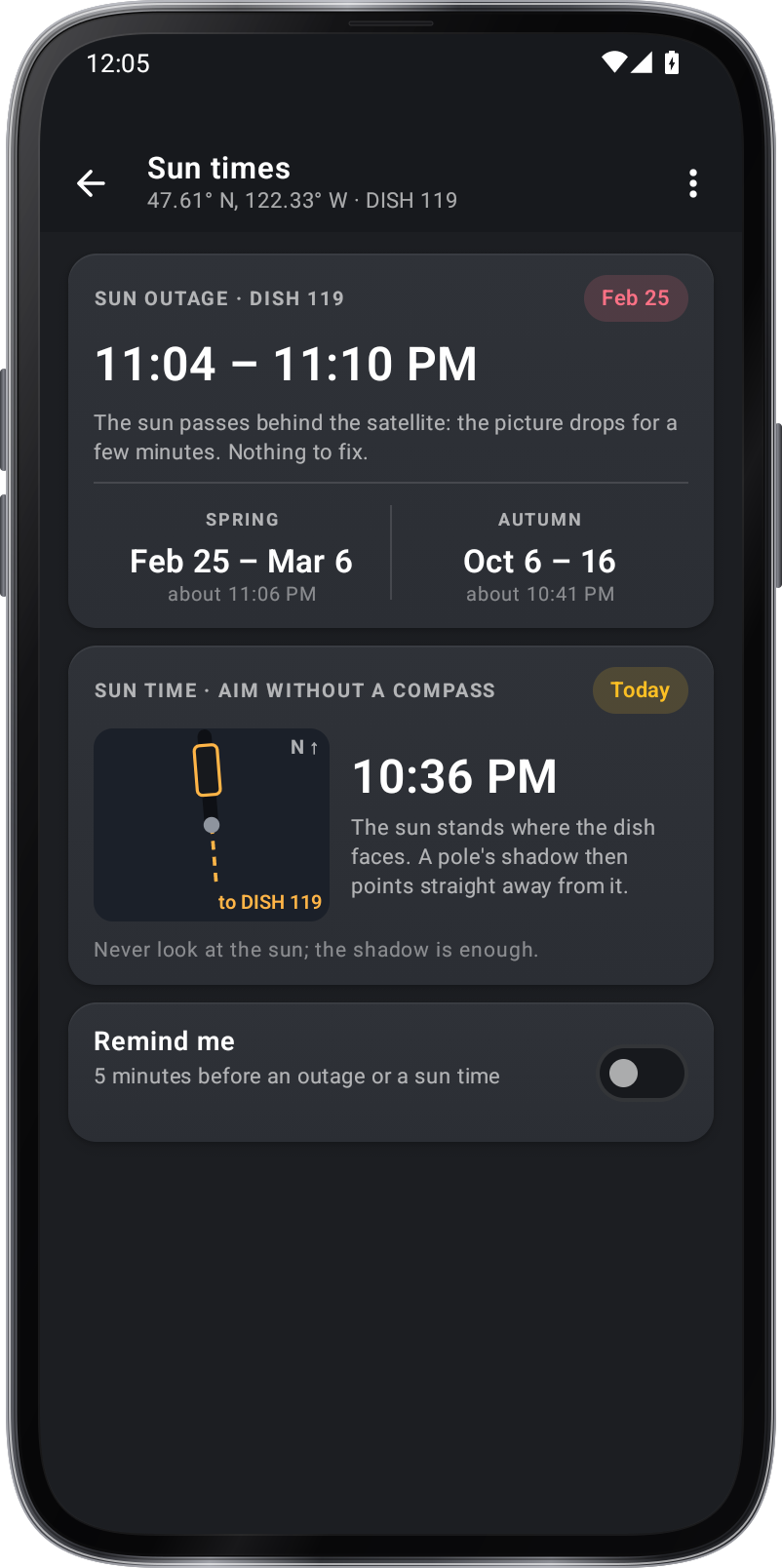
Open Tools › Sun times for the available solar events and dish sun-outage information.
Learn by trying.
Inspect the Sun and Moon on the globe
Inspect the globe as you turn the phone. Tap the Sun or Moon to inspect the sky object and its times.
Screenshots
1 / 9
Get the tool.
Find Sun & Sky in these apps.
Tips.
Confirm the selected place before reading Sun times or panel guidance. A plan for another location gives different directions and times.
Check the chosen date and time before comparing the Sun or Moon with the sky you see.
Move away from steel roofs, rails, poles and magnetic phone cases if the sky overlay does not line up.
Use a shadow check for alignment. Never look directly at the Sun or aim your eyes through the phone toward it.
For panel tilt, rest the phone screen-up with its top edge toward the panel’s top. Tilt comes from gravity and heading comes from the compass.
Inspect the installation spot for actual obstructions; a computed solar direction does not show every nearby tree or building.
In Camera, tap the Sun or Moon marker to see its path and details.
To add your own words, open Commands → Try saying them in the Voice commands dialog and tap + beside the command. Enter the words the tester heard. Tap your chip to edit the phrase or × to delete it.